AI assistantsNew Guides Contact
06 71 02 13 06
A solution suited to your business

Your business is different? Your till solution can be too.

Hair salon, florist, bookstore, dry cleaner, workshop, hybrid shop… whatever your business, we analyze it before proposing software and hardware that are truly suited — never the other way around.

Talk to an advisor
Products Services Inventory Team Multi-site
Shopkeeper of a specialty store checking out a customer on a discreet touchscreen till, counter with plants, ceramics and wellness items
Your business first
Analyzed before any software choice
Custom
Custom solution
Sized to the way you work
Analysis of your business
Suitable hardware
Installation & training
Human support
Does this sound like you?

Your business may look like…

These examples are not fixed categories: they simply illustrate the diversity of businesses we already equip.
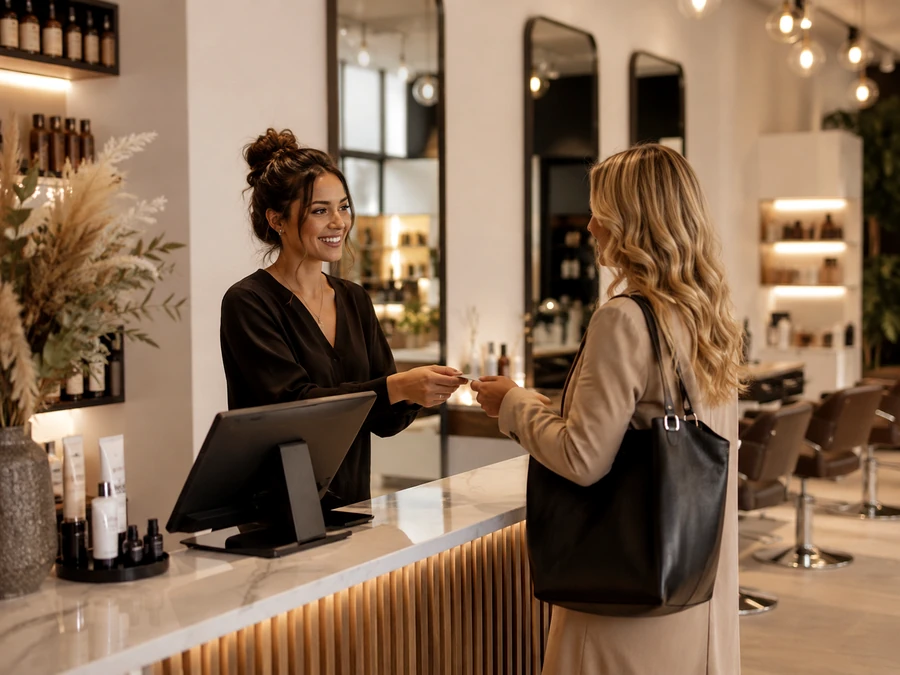
Hairdresser checking out a customer on a discreet touchscreen till in a hair salon

Hair & beauty

Hair salons, beauty institutes, barbershops — scheduled services, with product sales on the side.

Florist handing a bouquet to a customer at the checkout counter

Florist

Counter sales, custom compositions, orders and deliveries to prepare.

Bookseller scanning a book for a customer at the till of a bookshop-stationery store

Bookshop & Stationery

Large number of SKUs, sold individually, sometimes with orders and reservations.
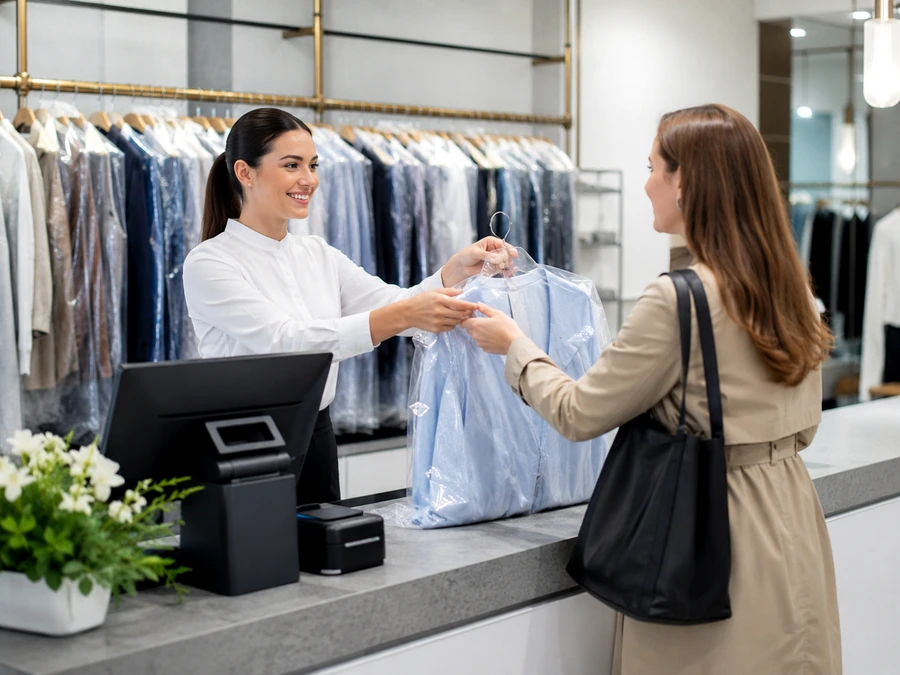
Dry cleaner handing a garment on a hanger to a customer at the counter

Dry cleaning & alterations

Order drop-off and pickup, ticket tracking, services invoiced per item.
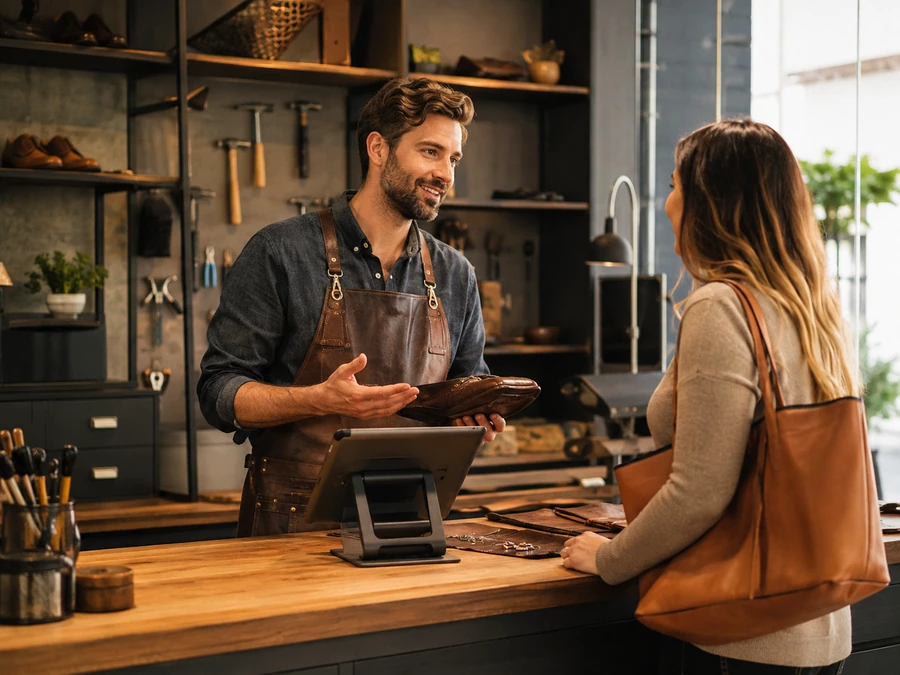
Craftsman at a repair workshop showing a repaired item to a customer, tools visible on the workbench

Workshop & services

Shoe repair, repairs, craft artisans — on-demand services, quotes and invoicing.
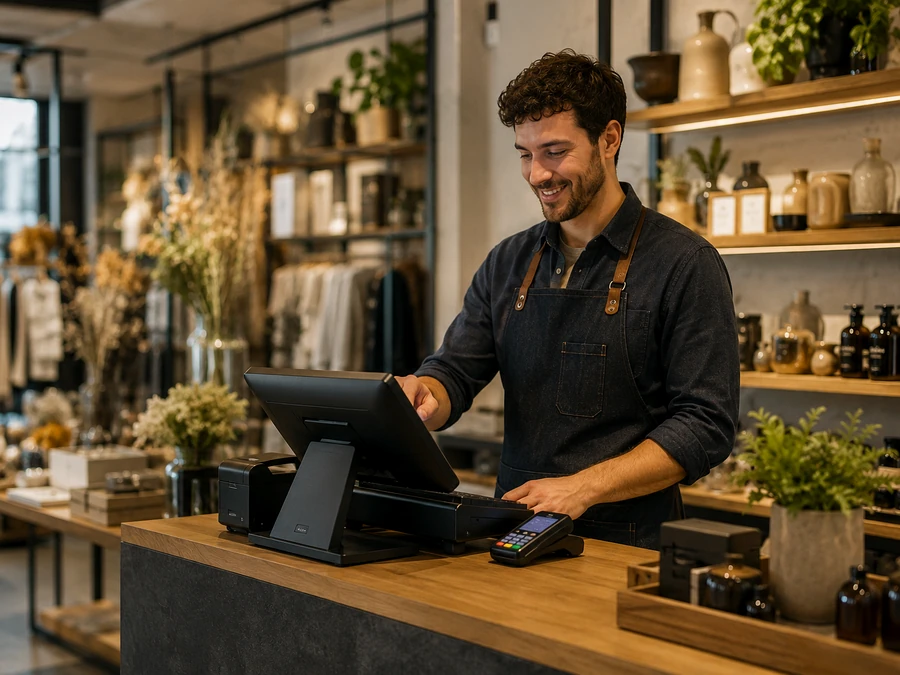
Shopkeeper checking out on a touchscreen till in a shop combining clothing, dried flowers and wellness items

Hybrid shop

Several worlds in a single space — concept store, workshop-boutique, multi-product corner.

My business still isn't on the list

That's not a problem: describe it in a few questions, we'll analyze it with you.

Describe my business
Our approach

We don't start with the hardware.

Before talking touchscreen till or printer, we take the time to understand how you actually work.

01

Your business

What you sell, how, and to whom.

02

Your sales

Products, services, or both.

03

Your constraints

One till or several, one team, one or more locations.

04

The software

Selected based on your answers, never decided in advance.

05

The hardware

Sized to your counter and your team.

06

Your configuration

Installed, configured and explained on site.
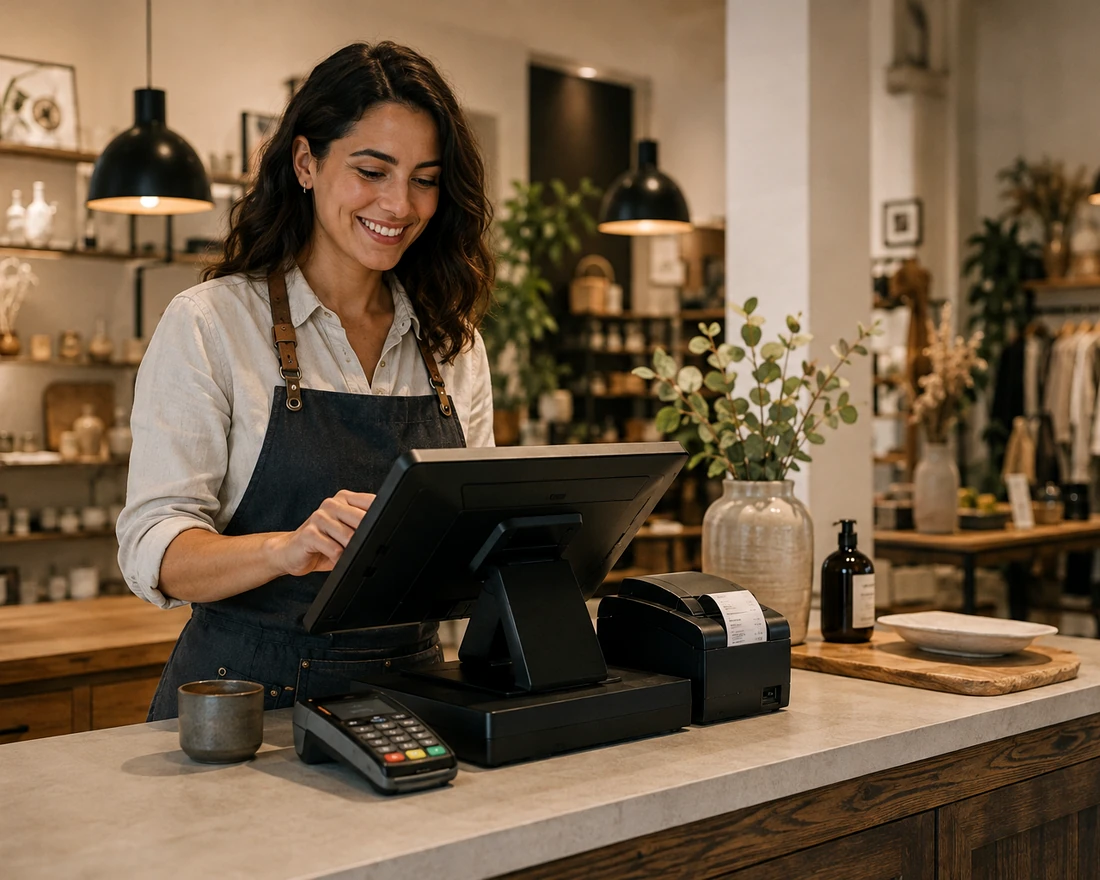
Shopkeeper of a specialty store setting up her touchscreen till at the counter
Your usage

What do you need?

Each business combines these needs differently — the configurator then refines your selection.

Check out

A simple, reliable till, compliant with current regulations.

Sell products

Items on the shelf or in the window, with or without inventory tracking depending on your needs.

Sell services

Haircuts, alterations, repairs — charged on their own or combined with a product.

Organize your team

Differentiated access depending on who is checking out customers, if your business requires it.

Track your business

Find your sales for the day or month, depending on what the software selected allows.

Manage multiple locations

If your business operates across multiple locations, depending on the solution chosen.
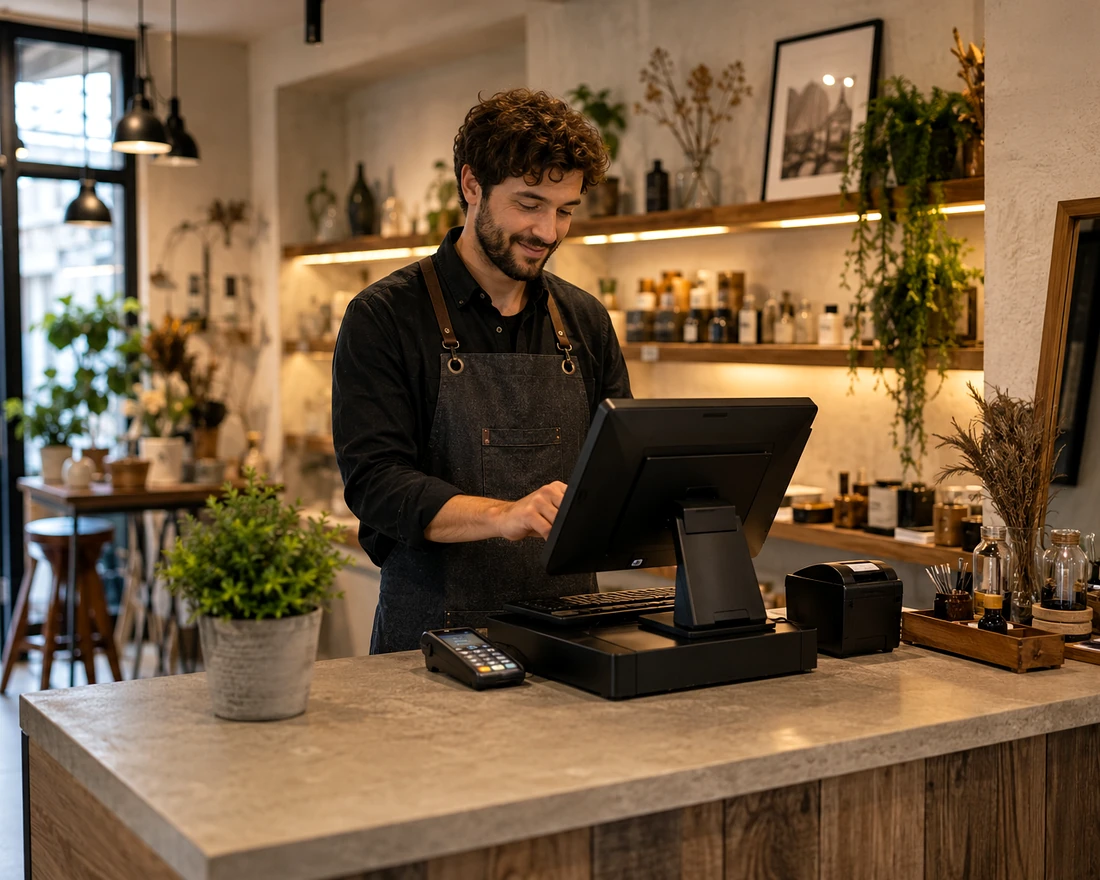
Complete touchscreen till kit with keyboard, receipt printer and payment terminal, on a neutral counter
Equipment

Your installation is built to order.

The foundation
  • Touchscreen till
  • Payment terminal
  • Receipt printer
  • Cash drawer
Depending on your business (hover to learn more)
Scanner

Useful if you sell products with barcodes.

Customer display

The customer views the details and total in real time.

Compatible scale

For sales by weight, depending on your products.

Label printer

Handy if you label your products yourself.

Mobile terminal

To take payment away from the counter, in the dining room or workshop.

Second station

If several people check out customers at the same time.

Additional printer

A second printing point if your layout requires it.

Other peripheral

A specific need? Your advisor will look into it with you.

Needs before brands

The right software, never chosen at random.

01

Analysis

Your usage, your volumes, your team.

02

Selection

Software genuinely suited to your business.

03

Configuration

Configured with you before installation.
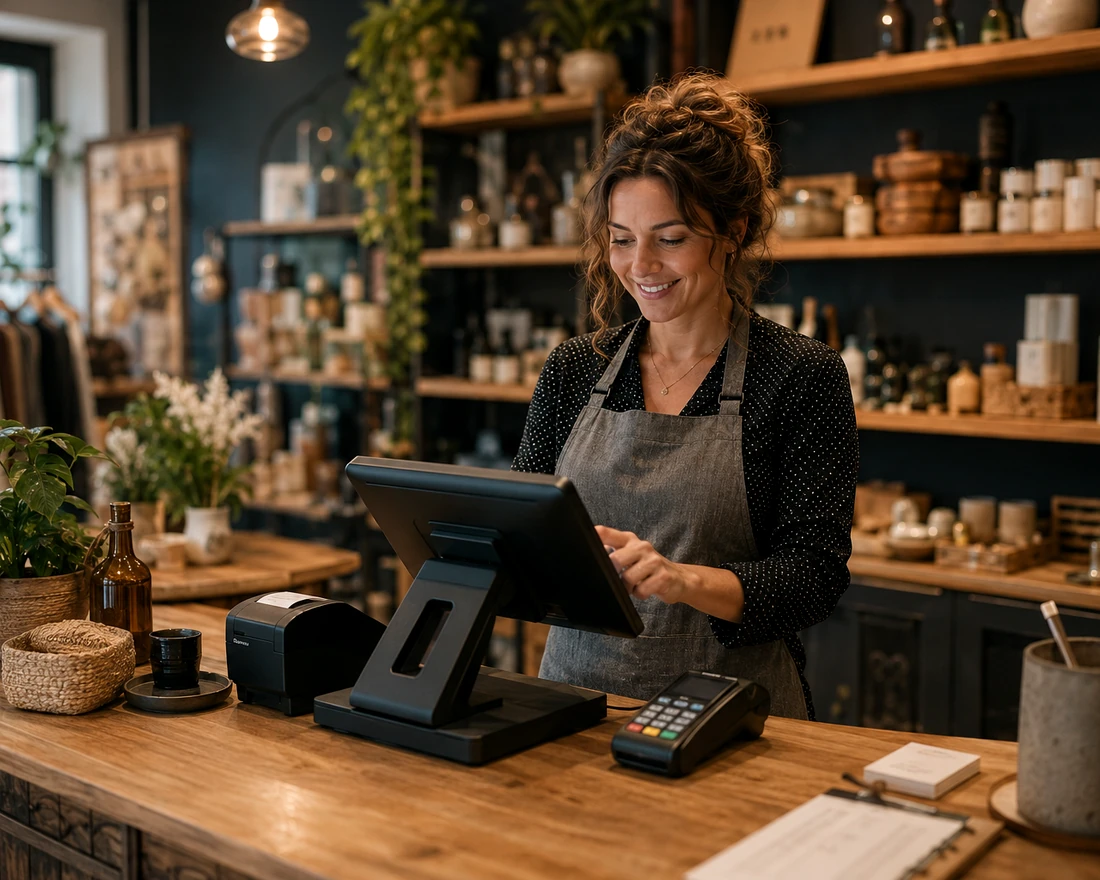
Shopkeeper analyzing her business needs on the screen of her touchscreen till
Your configuration in 2 minutes

Describe your business, we'll prepare an initial recommendation.

Five simple questions — your business, what you sell, your checkout points, your needs, and the equipment that could be useful to you.

1
Business type
2
Sales
3
Stations
4
Needs
5
Equipment
Why OG Solutions

A neutral integrator, not a software publisher.

No solution imposed

We don't sell in-house software — we configure the one that fits you.

A single point of contact

From diagnosis to training, a single advisor follows your file.

A right-sized installation

Neither under-equipped nor excessive — sized to the real scale of your business.

A supported team

Training at installation, support available afterward.
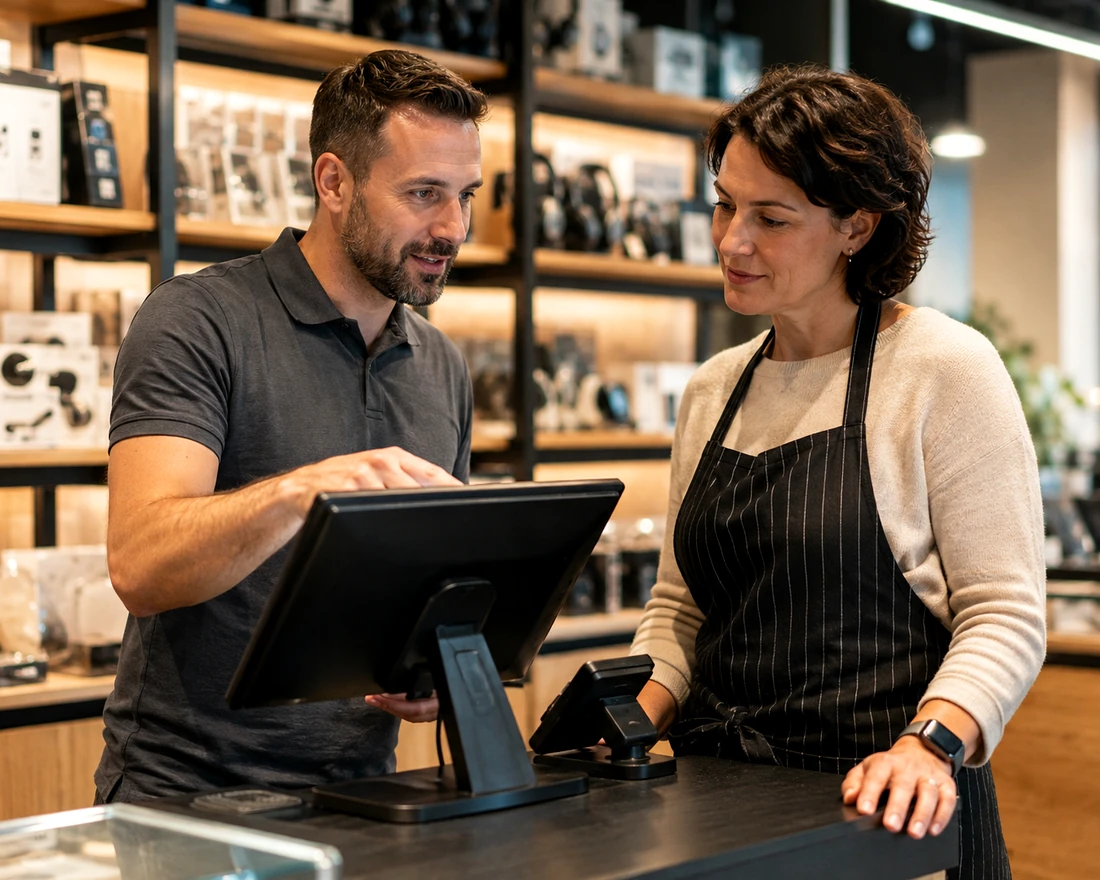
OG Solutions advisor showing a touchscreen till screen to a shopkeeper in their store
Our method

From analysis to training, the same method for every business.

01

Analysis

Your business, your sales, your constraints.

02

Configuration

Software and hardware chosen with you.

03

Installation

Set up on your counter.

04

Training

Hands-on training with your team.

Frequently asked questions

Your questions about non-standard businesses

My business isn't listed on the site — can you still equip me?
Yes. This page exists precisely for businesses that don't fit a standard category. Describe how you operate through the configurator, and an advisor will then review your request.
Do I have to choose my till software myself?
No. We first analyze your business and your needs, then guide you toward the software best suited among our partner solutions — never the other way around.
I sell both products and services — is that possible?
This is a common situation for non-standard businesses. It is taken into account right from the configurator; exact feasibility depending on the software chosen is confirmed by your advisor.
Can I keep my current equipment?
This is assessed case by case depending on the compatibility of your hardware with the software chosen. An advisor will confirm what can be kept.
Several of us handle checkout — is that supported?
Depending on the software selected, user-based management may be available. This point is covered in the configurator and confirmed with your advisor.
We have multiple locations — is that supported?
Some solutions allow it. This is a point we look at with you before confirming the configuration and the quote.
Let's talk about your business

Your business is unique. Let's start with your way of working.

Describe your business in a few questions — an OG Solutions advisor will get back to you with an initial recommendation.

Talk to an advisor
Esc