Scanner, PDA, scale: which equipment for managing products?
Till scanner, mobile handheld scanner, inventory terminal, scale: these four categories of equipment are all used to handle products, but they don't answer the same need. This guide explains the role of each, the situations where it becomes useful, and the common prerequisite without which none of them work properly: a clean product catalog.
In this guide
When a shopkeeper is preparing a till project, the question of equipment comes up quickly. They hear about scanners, handheld scanners, PDAs, inventory terminals, connected scales. The terms circulate, get mixed up, and it becomes difficult to know what is actually necessary and what isn't.
These devices are not interchangeable. Some are used at the moment of checkout, others are used away from the counter, and others still only concern products sold by weight. Choosing without having clarified this difference often leads to buying a device that stays in a drawer.
The aim of this guide is simple: to give an overview of the main families of equipment related to products and inventory, so you can place your needs before comparing models.
What's at stake behind the choice of equipment
All reading or weighing equipment has the same purpose: replacing manual entry with reliable information. When a product is identified by a machine, the till knows which item it is, at what price it's sold, and can decrement stock if inventory management is enabled.
The important point lies elsewhere. These devices create no information: they only read what already exists in your software. If a product record is missing, poorly filled in, or duplicated, the equipment will fix nothing. It will make the problem more visible, more quickly, and sometimes in front of a customer.
This is why the question of equipment logically comes after that of organizing the catalog, not before.
Four categories not to be confused
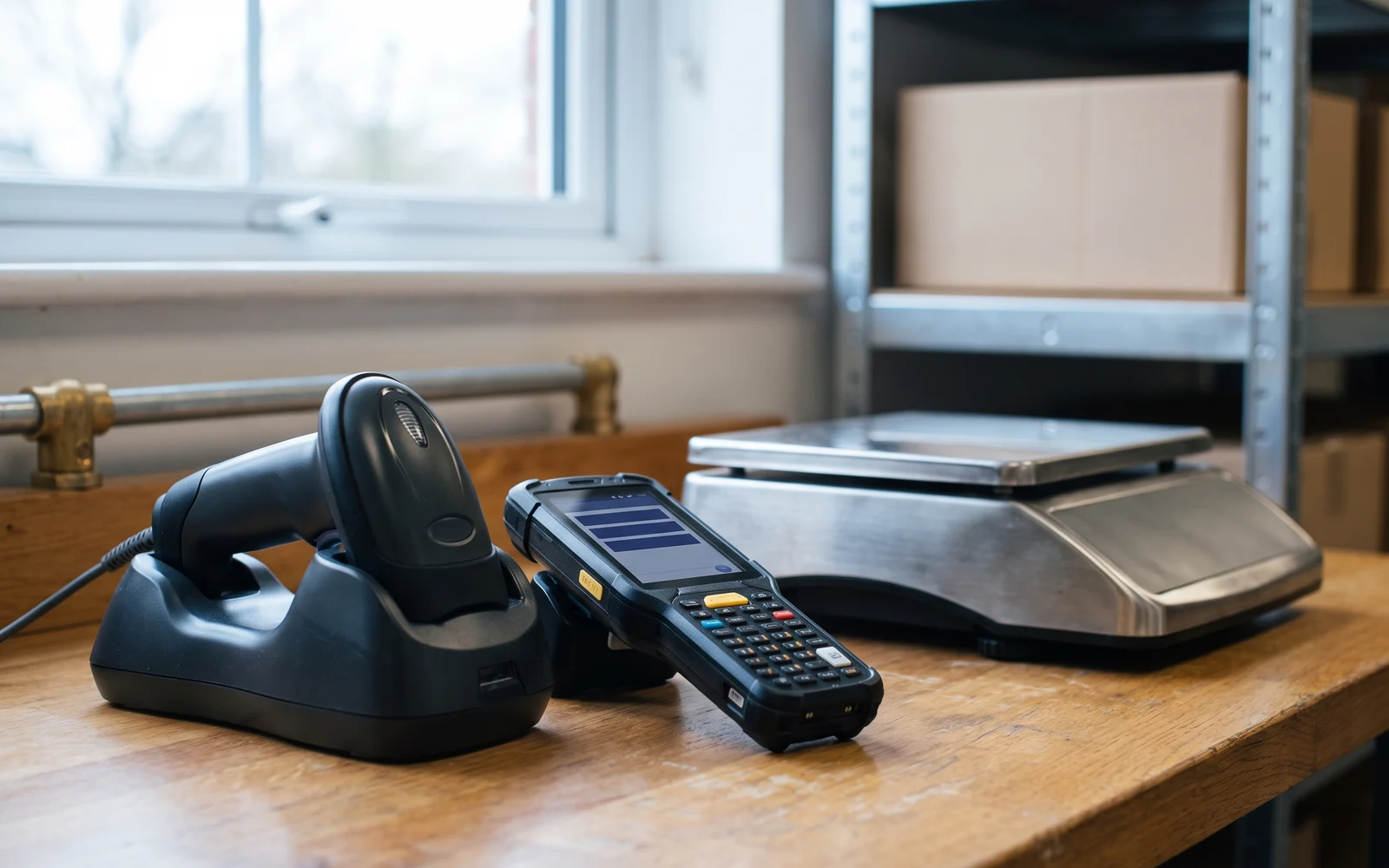
Four uses can be distinguished, corresponding to four types of devices.
The till scanner
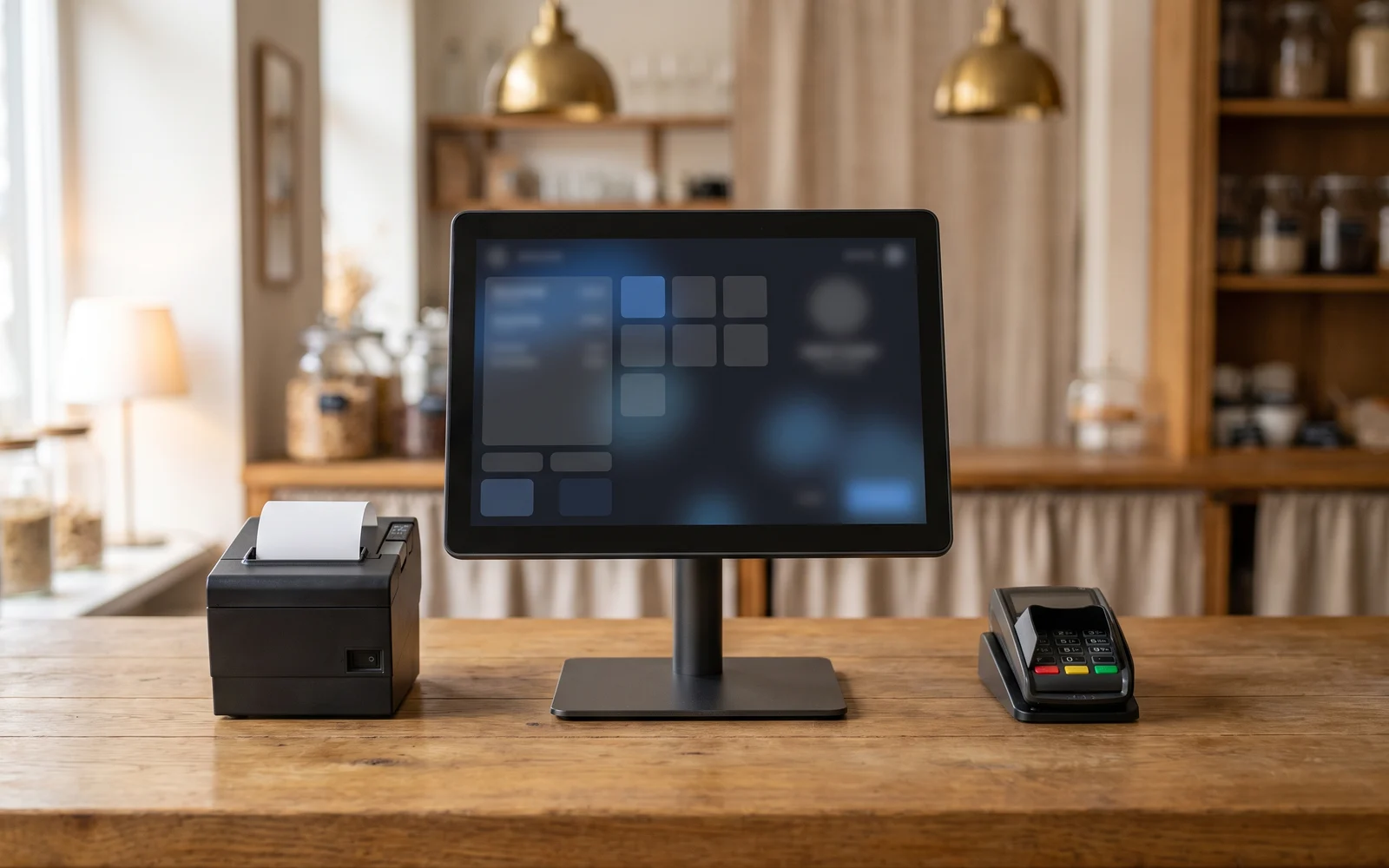
This is the scanner placed or mounted at the counter. It reads a product's code at the moment of checkout, to add it to the receipt. Its use is concentrated on one specific point: the sale. It comes in a version on a stand, a handheld version, or built into the worktop. These are variants of the same job.
The mobile handheld scanner
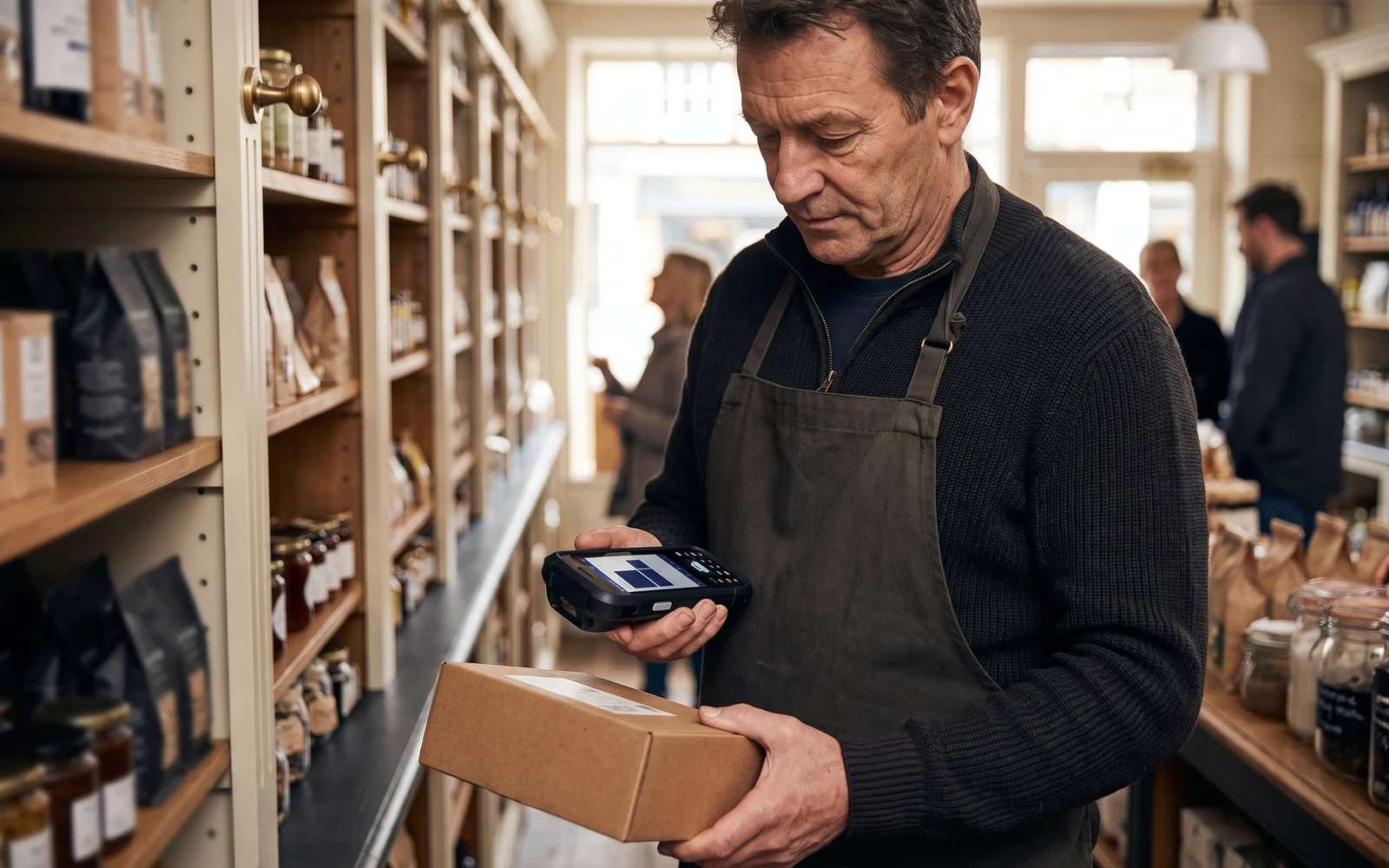
This is a scanner that you carry with you, wireless or connected to a mobile device. It's used to read a code somewhere other than the counter: on the shelf, in the stockroom, on receiving a delivery, on a bulky product that can't be moved. It transmits the reading to the till or to a device that accompanies it. Its value lies in mobility, not in the reading function itself.
The inventory terminal, or PDA
It is a small handheld computer, with a screen, a keypad or touchscreen, and a built-in scanner. The difference from a handheld scanner is essential: the terminal displays information and allows data entry. You do not just read a code, you see the product's label, enter a quantity, confirm a line, build a list.
It is the tool for operations that take place away from the till and that require a dialogue with the operator: a full inventory, a partial count, a receiving check, preparing a supplier order.
The scale
The scale concerns products sold by weight. Two approaches coexist. In the first, the scale is on the shelf or in the prep area: it weighs and prints a label bearing a code, which the customer then brings to the till, where it is read like any other product code. In the second, the scale sits at the counter and communicates directly with the till: the weight is sent through, the amount is calculated, and there is no intermediate label.
The choice between the two depends on where the weighing takes place and who performs it. Connection arrangements need to be checked according to the solution chosen.
A single device can combine several of these roles. A mobile terminal can act as a handheld scanner, a touchscreen till can drive a scale. What matters is not the commercial category of the device, but the list of uses you need to cover.
What serves whom, in concrete terms
Neighbourhood grocery store
Many items carrying a supplier code, a single counter, fresh products sold by weight. A checkout scanner and a scale cover the essentials. An inventory terminal becomes useful the day stockroom counts are done on paper and re-entered in the evening.
Clothing store
Items labeled in-house, available in sizes and colors. The scanner is used for sales, but the inventory terminal becomes especially important for counting the shelf without closing it and for checking deliveries.
DIY or hardware store
Heavy, bulky products, sometimes stored up high. The mobile handheld scanner lets you read a code without moving the item. The inventory terminal is used for checks in the aisle.
Food retail
Weighing is at the heart of the business. The main question concerns the location of the scale, whether or not a label is printed, and how the weight makes it onto the receipt.
The criteria to examine
A few questions help you decide without getting lost in technical specifications.
- Where does the operation take place? At the counter, on the shop floor, in the stockroom, at goods receiving. This is the criterion that most clearly separates the categories.
- Do you only need to read, or also enter and check? Reading is enough to sell. Entering and checking calls for a screen, hence a terminal.
- Which media need to be read? Printed labels, damaged codes, codes displayed on a phone screen. Reading capabilities differ and should be checked according to the equipment chosen.
- Who handles the device? A station staffed by several people, sometimes seasonal, calls for a simple device and a clear procedure.
- What are the conditions of use? Humidity, dust, standing handling, possible drops. This points toward equipment that is more or less rugged.
The question of cost comes next, once usage has been settled, and compares better on a quote matching your actual configuration.
The most common mistakes
Buying an inventory terminal without a reliable catalog. Counting becomes an exercise in hunting for missing products. The catalog is dealt with first.
Confusing handheld scanner with terminal. A handheld scanner alone does not allow for a structured inventory count: it reads, it does not display.
Underestimating labeling. An item without a readable code remains an item entered by hand. If part of your range is not labelled by the supplier, you need to plan how you will label it yourself.
Choosing the equipment before the software. The available functions depend on the management solution. A device bought on its own can turn out to be unusable in the configuration ultimately chosen.
Neglecting training. A poorly explained terminal produces incorrect counts, which cost more to correct than a well-done manual count.
Next step
Before comparing models, write down the list of your product operations: what you do at the counter, on the shop floor, in the stockroom, at goods receiving, and what you weigh. This list will tell you which equipment categories genuinely concern you.
You can then specify your expected management level on the page need: inventoryand look at weighing-related uses on the page scales.
OG Solutions analyses this need, then selects and configures the suitable equipment from among the technologies it integrates, in line with the till software chosen.
Key takeaway
- The till scanner is used for counter sales, the handheld scanner is used to read a code elsewhere, the inventory terminal is used to count and check with a screen, the scale concerns products sold by weight.
- The difference between a handheld scanner and an inventory terminal comes down to the screen and data entry: one reads, the other allows you to build and check a list.
- None of this equipment creates information: it reads product records that must already be complete and consistent.
- The question of where the operation takes place—counter, shop floor, stockroom, or receiving—separates categories more effectively than technical specifications.
- Equipment is chosen after the software, since the available functions depend on the management solution selected.