Switching tills: the 10 questions to ask before you start
Changing your till system is not just about replacing a piece of equipment: it means shifting a team's habits, migrating data and reconnecting tools already in place. This guide offers ten questions to ask before launching the project, to turn a vague dissatisfaction into a usable specification. Each question is there to prepare the discussion with an integrator, not to decide alone.

In this guide
A till being replaced has already been in service. It carries a catalogue of items, entry habits, sometimes connections to other tools, and often workarounds that the team invented to cope with its limitations. Changing systems is therefore rarely a matter of starting from a blank page.
It is also an operation that takes place while the business keeps running. Unlike a first-time installation, there is no quiet period before opening: the switchover must fit into an existing rhythm of activity, with teams who already know a different tool.
The ten questions below help frame this type of project. They do not replace the technical study, which depends on the original solution and the target solution. However, they do make it possible to arrive at that study with clear answers, which considerably shortens the back-and-forth.
What's really at stake in a till system change
The decision to switch often stems from a specific irritation: an operation that takes too long, a figure that can't be found, after-sales support that no longer responds. This trigger is useful, but it isn't enough on its own to define a need. It must be broken down into concrete elements, otherwise the new system risks reproducing the same limitations in another form.
A till changeover actually affects three areas at once. The technicalwith the equipment, the network and the peripherals. The plan informationalwith the catalog, customers and history. And the plan humanwith teams having to relearn habits that have been automatic for years. Neglecting any one of the three is the most common cause of migrations that go badly.
The ten questions to ask yourself
These questions should be dealt with in order: the first ones describe the current setup, the following ones prepare the transition. Take the time to write them down, even briefly. A one-page document is worth more than a conversation from memory.
What exactly isn't working today?
List the concrete situations that cause problems, not general impressions. “Entering a menu item takes too many steps” is actionable; “the till is bad” is not. This list becomes the first criterion for evaluating the future solution.
What works well and should be kept?
A migration must not cause you to lose what already works. Identify effective practices, handy shortcuts and established habits, in order to check that they will remain possible.
Who uses the till, and how?
A sole manager, a stable team, extra staff, or seasonal workers do not raise the same requirements. The more frequent the turnover, the more ease of use becomes a decisive criterion.
What equipment can be reused?
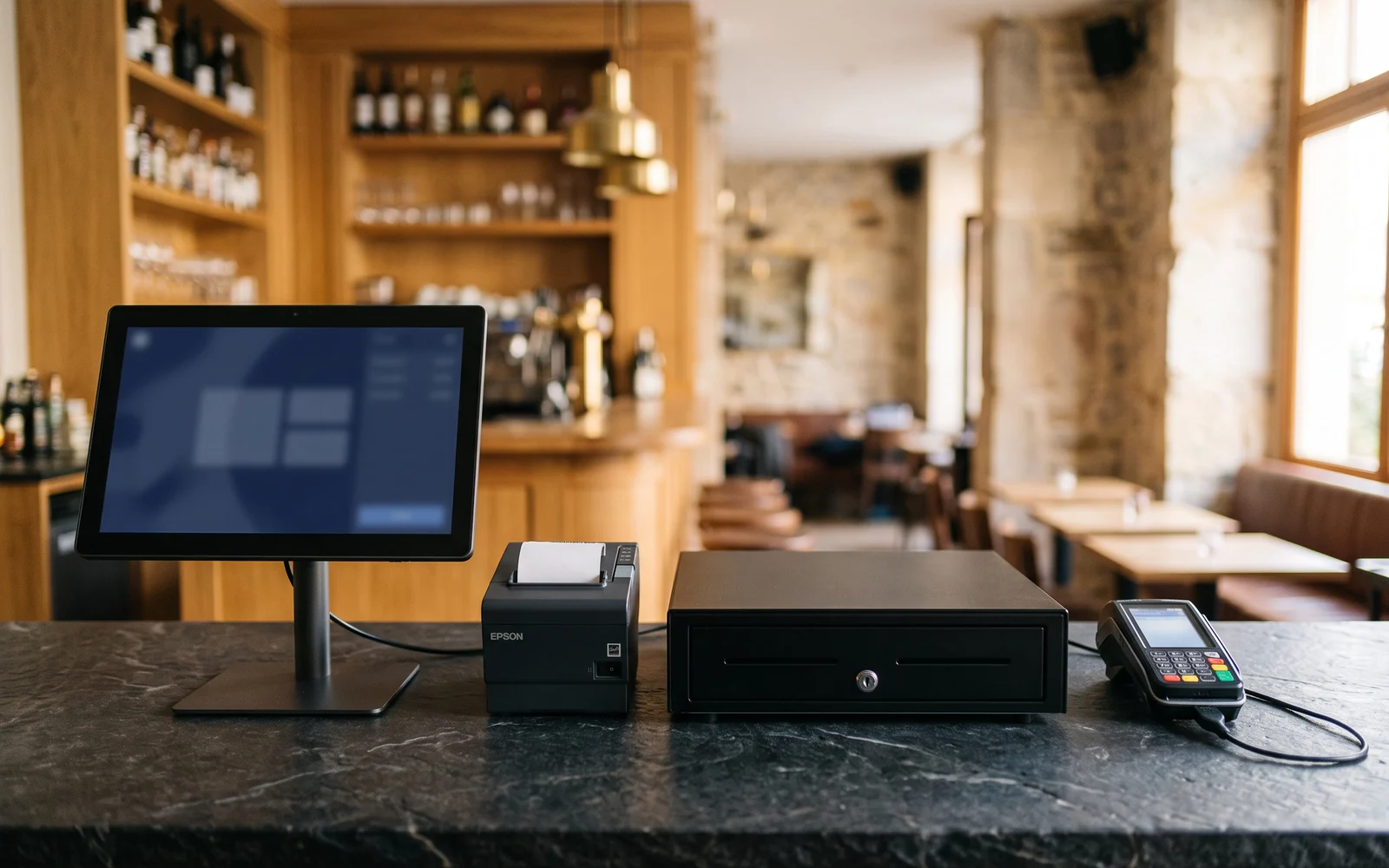
Take stock of your equipment: till, printer, drawer, scanner, scale, display, payment terminal. Note their age and condition. Whether an item can be kept must be checked against the solution chosen, never assumed.
Which data needs to be carried over?
Distinguish between the product catalog, the customer database and the sales history. These three sets are not handled in the same way and do not have the same value for you. Specify what is essential and what can be archived elsewhere.
In what form is this data accessible?
The feasibility of a data migration depends on the original solution and the format of the available exports. This is a point to check with your current provider before any decision, and to have confirmed by the integrator you choose.
What interconnections exist with other tools?
Accounting, online sales site, ordering platforms, loyalty program, time clock, management software: list everything that currently exchanges data with the till. Each link will have to be reviewed, and whether it is renewed should be checked case by case.
What's the right time of year?
Avoid periods of high activity, inventory counts, and key commercial events. A switchover during a quiet period leaves room to correct what needs correcting without pressure.
Who trains the teams, and when?
Identify the people to be trained, their availability, and the internal point of contact who can answer questions in the following days. The training is prepared beforehand, not on the morning of going live.
What happens if something doesn't work?
Ask how the first few days unfold: who steps in, within what timeframes, and through which channel during opening hours. Also plan a fallback procedure to keep checking customers out in case of the unexpected.
Data migration, the most sensitive point
This is the question that causes the most concern, and often the one where expectations are least realistic. Three sets of things should be considered separately.
The product catalog is generally the most important, because it determines daily use. Changing your till is, in fact, a good opportunity to clean it up: obsolete references, duplicates, inconsistent labels, poorly built categories. Migrating a disorganized catalog only shifts the disorder.
The customer database mainly concerns businesses with named customer tracking or a loyalty program. Its migration depends on the format available and the information actually worth keeping.
Thesales history is the most variable case. Depending on the situation, it can be migrated, kept accessible for consultation in the old system, or archived as exports. None of these options can be promised in advance: it is determined by the original solution and the solution chosen.
Applicable obligations may change, particularly regarding the retention of sales data. Check the rules that apply to your situation with the relevant authorities.
Mistakes to avoid
- Switching over without a test period. A dry-run entry phase, outside of service, makes it possible to spot gaps in the setup before they become visible in front of a customer.
- Carrying over the existing setup as-is. Copying over a poorly structured catalog amounts to paying for a new system just to keep an old problem.
- Cutting off the old system too soon. Keep read-only access for a while to check that everything you need is indeed available elsewhere.
- Train on the day itself. A team gets to grips with a new tool more calmly before going live than in the middle of a service.
- Forgetting special cases. Credit notes, discounts, split bills, takeaway sales: it is these rare operations that most often cause hold-ups.
Next step
Gather your answers in a short document, along with the equipment inventory and the list of connected tools. This is the most useful basis for starting a serious discussion and getting a tailored response rather than a standard proposal.
OG Solutions analyses this existing setup, checks what can be kept or reused, then selects and configures the suitable solution from among the technologies it integrates.
Key takeaway
- A till changeover affects three areas at once: the equipment, the data, and staff habits.
- Precisely describing what isn't working today is more useful than a list of desired features.
- The migration of the catalog, customers, and history is handled separately and still needs to be checked against the original solution.
- The choice of timing matters as much as the choice of solution: a switchover is prepared outside periods of high activity.
- A dry-run testing phase and upfront training greatly reduce incidents in the first few days.