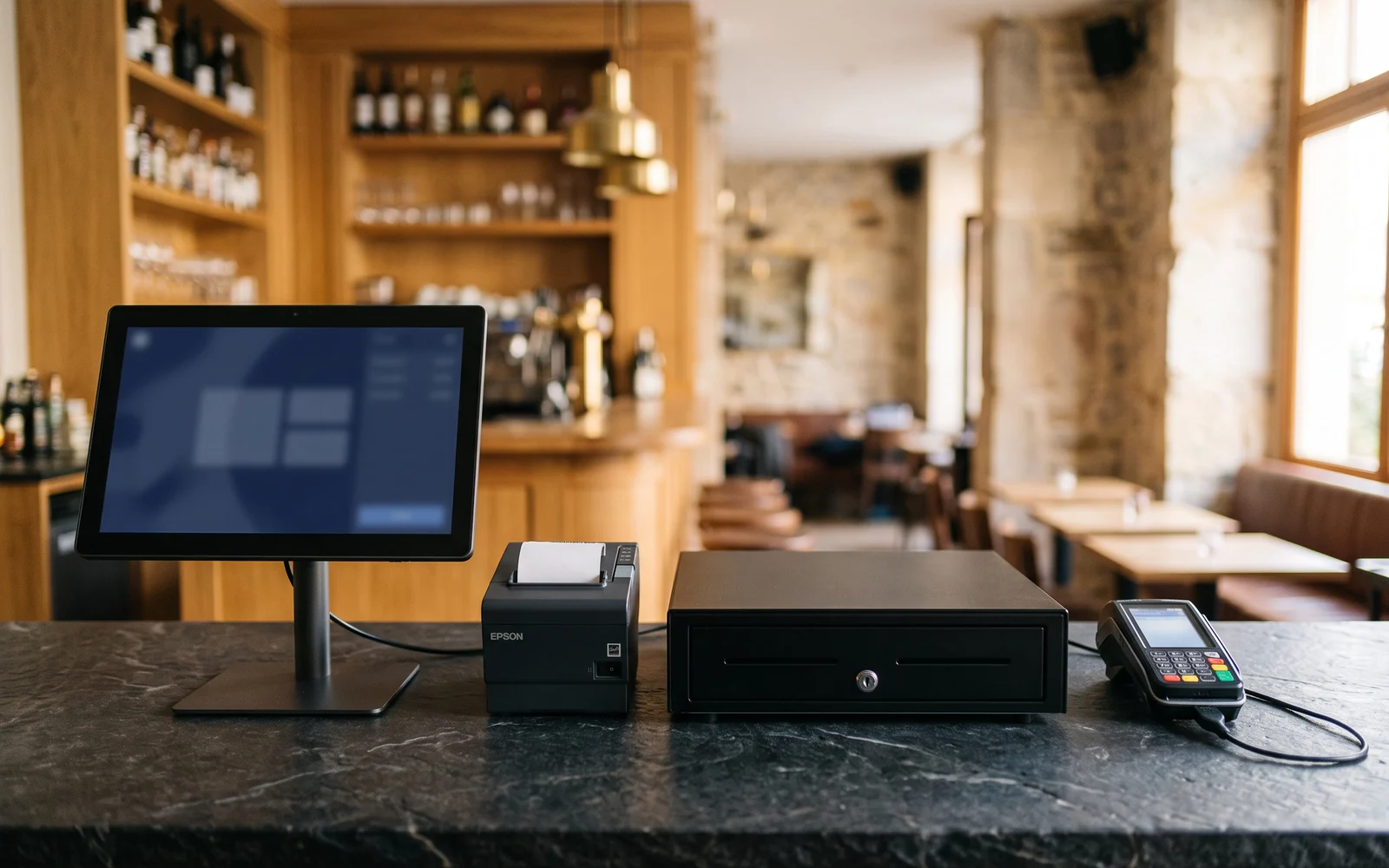
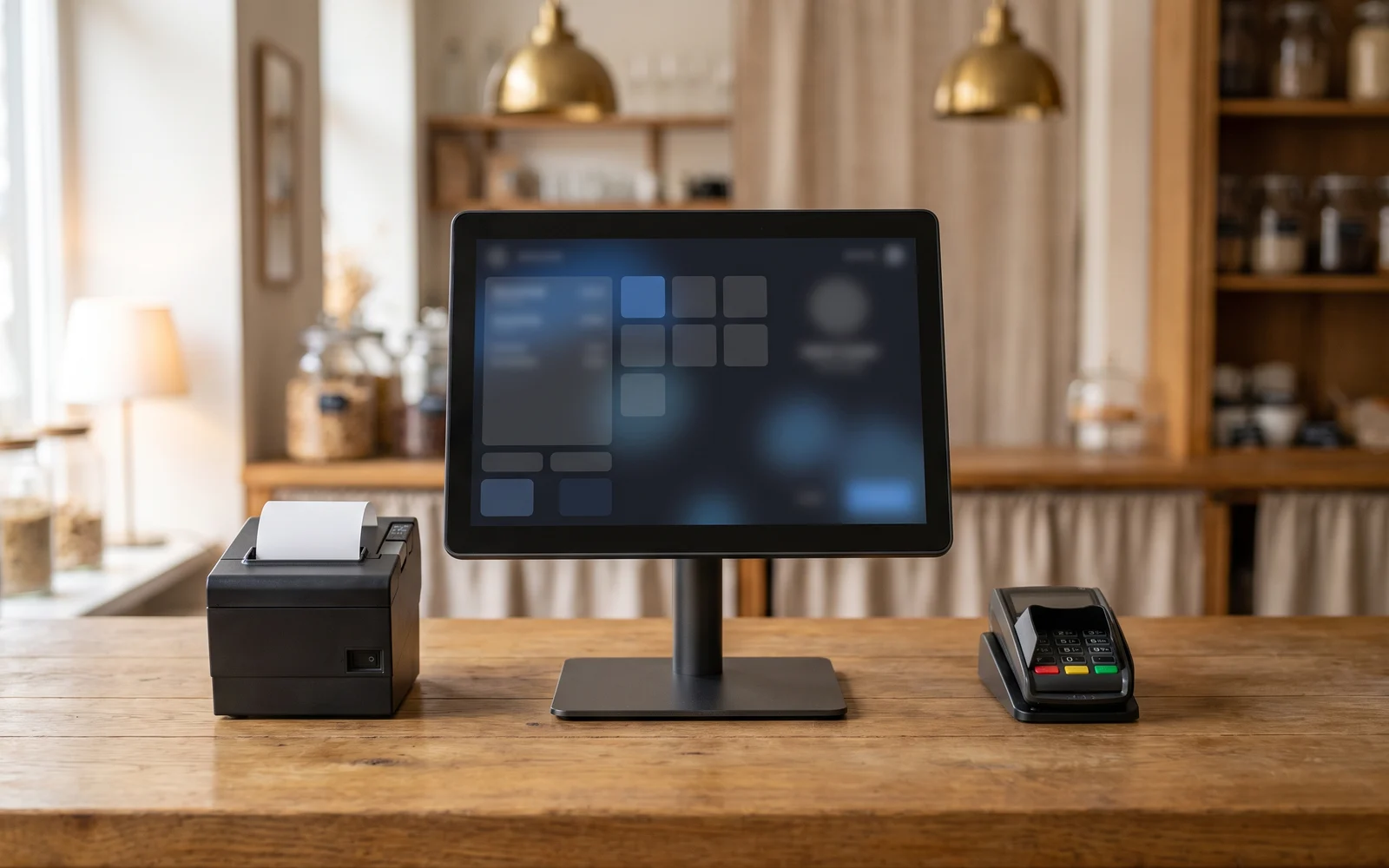
Customer display: what is the second till screen for?
The customer display is that small screen facing the buyer, showing what the till records. It isn't used the same way everywhere: in some businesses it smooths the exchange at the counter, in others it remains a decorative fixture. This guide explains its real role, the existing formats, and the situations where it adds value.
In this guide
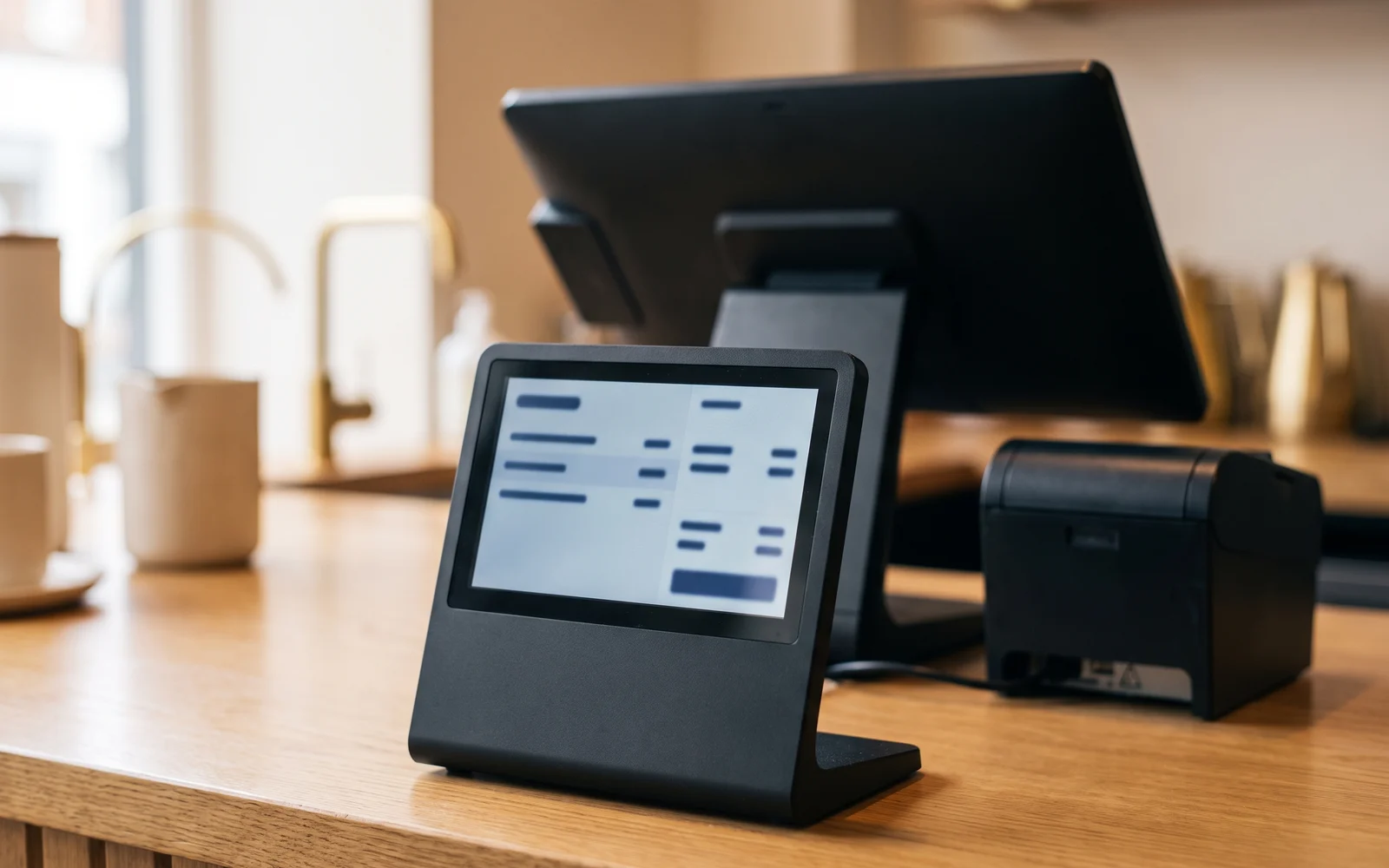
At a checkout counter, there's the shopkeeper's screen and, sometimes, a second screen facing the customer. It's called a customer display, or customer screen. It shows, as they are entered, the details of the sale in progress.
It is an unobtrusive piece of equipment, often added without much thought, or on the contrary dismissed on principle. Both reflexes are a shame. This screen meets a specific need: letting the customer follow what is being entered, without having to ask or lean over the salesperson's screen.
This guide describes what a customer display actually does, the forms it can take, and above all the situations where it changes something at the counter, as well as those where it doesn't bring much.
What a customer-facing screen is for
The principle is simple: what the retailer enters, the customer sees. Depending on the solution and screen format chosen, the display can cover several things.
- The detail of what is enteredline by line, as items are entered.
- The total amount duesometimes with the change given and a breakdown of the discounts applied.
- One message from the business between two sales: opening hours, information about a service, highlighting a product.
- One invitation linked to the loyalty programwhen the point of sale offers one.
The benefit isn't just informational. A visible screen changes the nature of the exchange: the customer no longer needs to check the receipt afterward, and the merchant no longer has to read out each line aloud. Errors are spotted as they happen, not after payment has been made.
It is also a conversation tool. When the customer follows the order on screen, they can more easily add to it, correct a quantity, or point out something forgotten. The dialogue takes place on a shared medium.
The existing formats
Behind the same name lie fairly different pieces of equipment. The choice mainly depends on the counter layout and what you want to show.
| Format | What it shows | Suitable situation |
|---|---|---|
| Small stand-mounted display | A few lines of text: current item, total, change due. | Narrow counter, need for a sober display that's legible up close. |
| Second touchscreen | The full receipt detail, with a layout close to that of the software. | Baskets with many line items, composite orders, extensive exchanges with the customer. |
| Larger screen facing the queue | The current sale and, between customers, messages from the shop. | Visible queue, clear counter space, a desire to communicate during the wait. |
The format is chosen by looking at the counter first and foremost: worktop height, distance between the customer and the screen, lighting, viewing angle. A customer display that is poorly oriented or placed too low will not be read, however good its quality.
How the screen integrates into the setup depends on the solution chosen and the equipment selected. The nature of the information displayed, and the possibility of showing a message or image between two sales, must be checked case by case.
When it becomes truly relevant
A customer display makes full sense in a few clearly identified configurations.
The customer tracks their order at the counter
In a business where the order is built up over the course of the exchange, the screen avoids misunderstandings. The customer sees what has been recorded before the total is displayed.
Many line items per receipt
When a basket contains many items, no one keeps track from memory. Progressive display lets the customer check as they go rather than only at the end.
Selling by weight
For a weighed product, the price results from a measurement. Seeing the weight and the corresponding amount displayed makes the operation clear and avoids having to explain it at every sale.
Discounts and loyalty benefits
A discount applied at the till is often invisible to the customer. The screen shows that it has indeed been taken into account, without the customer having to ask.
The common denominator in these situations is the price legibilityAs soon as the final amount results from a calculation, a weighing, or a series of line items, a shared display reassures the customer and shortens back-and-forth verification.
If your business involves weighing, the interplay between the scale and the display deserves to be addressed as early as the need-definition stage, because the two pieces of equipment complement each other.
When it doesn't add much
There are also cases where the customer display doesn't justify the space it takes up.
When the receipt has very few lines and the amount is announced verbally, the customer has nothing to follow. The screen merely repeats information that is already clear.
When the the counter is overloadedthe equipment becomes an obstacle. A screen that gets in the way of handing over the bag, placing items down, or using the payment terminal creates more friction than it resolves.
When the the customer is not facing the terminalthe display serves no purpose. This is the case for checkout in the dining area, table service or a sale made with a mobile terminal: the need for information exists, but it is addressed differently.
Finally, when the screen is added without being put to useit shows a frozen total or an outdated message. A poorly maintained display sends a worse signal than no display at all.
Selection criteria and mistakes to avoid
A few simple questions help you decide.
What should the customer see?
A simple total, or the full breakdown? The answer directly determines the format: a few lines of text are enough in one case, a full screen is required in the other.
Where does the customer stand?
Identify its actual position during checkout, then check the reading angle and height from that exact spot.
Who updates the messages?
If you plan to display messages between sales, designate the person responsible for updating them. Without this, the content quickly becomes outdated.
The most common mistakes are related to placement. A display chosen from a catalogue and then set down wherever there is room often disappoints. Likewise, a screen turned toward the salesperson rather than the customer, due to cabling constraints, loses all its value. Finally, adding a display to compensate for a poorly organised counter treats the symptom rather than the cause. The customer display catalog gives an overview of the existing formats before discussing them in concrete terms.
Next step
Describe your counter as it actually works: where the customer stands, what they need to check, and what you want to show them. On this basis, OG Solutions analyzes the need, then selects and configures the appropriate solution from among the technologies it integrates.
Key takeaway
- The customer display shows the customer what is entered at the till: line-by-line detail, total, discounts, and sometimes a message from the business.
- Three main formats coexist: a small stand-mounted display, a second touchscreen, and a larger screen facing the queue.
- It is genuinely useful when the price results from a calculation, a weighing, or a receipt with many lines.
- It adds little when the receipt is short, when the counter is already congested, or when the customer isn't facing the till.
- Placement matters as much as the model: viewing angle, height, and available space must be checked on the actual counter.