What equipment do you really need to set up a till?
Equipping a till does not mean buying everything that exists. Some equipment is found in almost every installation, the rest depends directly on your business. This guide helps you separate the two before requesting a quote.
In this guide
When preparing a till project, one question always comes up: what do you actually need at the counter? Between the touchscreen, the printer, the drawer, the barcode scanner, the customer display and additional screens, the list can grow indefinitely. It can also stay very simple.
The answer depends less on budget than on the shop's daily operations. A store selling labeled products, a bakery serving at the counter, and a restaurant sending orders to the kitchen do not go through the same motions when checking out. The equipment must follow these actions, not the other way around.
This guide offers a simple method: distinguish a common foundationpresent in the vast majority of installations, and a additional equipment that is only justified in certain businesses. The goal is for you to be able to sort each piece of equipment into one of these two columns, in your own words, even before speaking with an integrator.
What's at stake behind the choice of equipment
Till equipment is what your teams touch all day long. A poorly sized station is paid for in unnecessary handling: a receipt that has to be redone, an item entered by hand for lack of a scanner, a customer waiting while someone looks for the right button. Conversely, a station overloaded with rarely used equipment clutters the counter and complicates training.
It's also important to keep in mind that the equipment never works alone. It operates with till software, which organizes items, prices and receipts. Two businesses can use the same touchscreen and get very different results depending on how the software was configured. Choosing the equipment is therefore prepared at the same time as defining the checkout neednever after the fact.
Finally, a setup lasts for several years. It's worth asking not only what you need today, but also what might change: a second till during busy periods, table service, an additional department.
The common core: four elements present almost everywhere
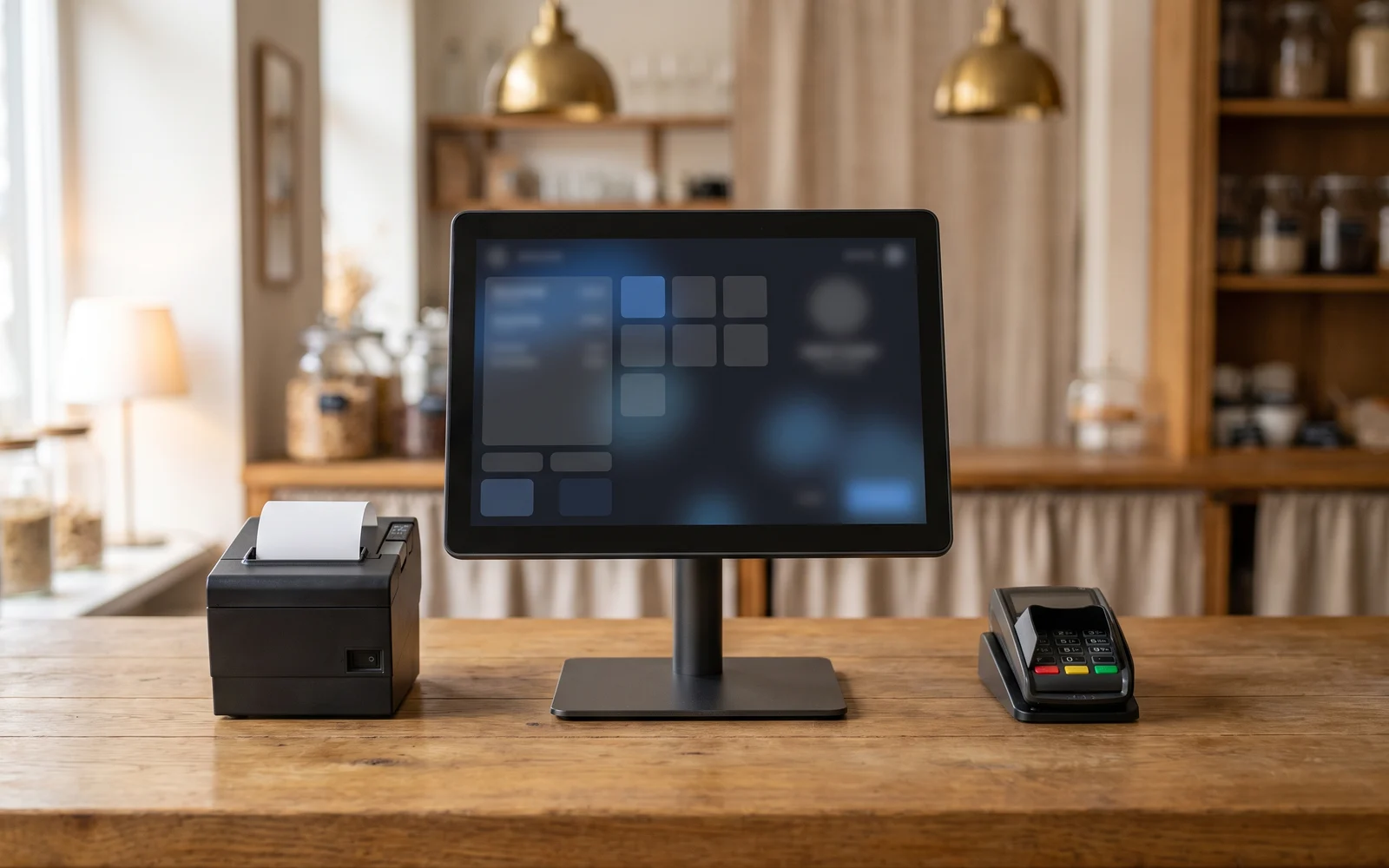
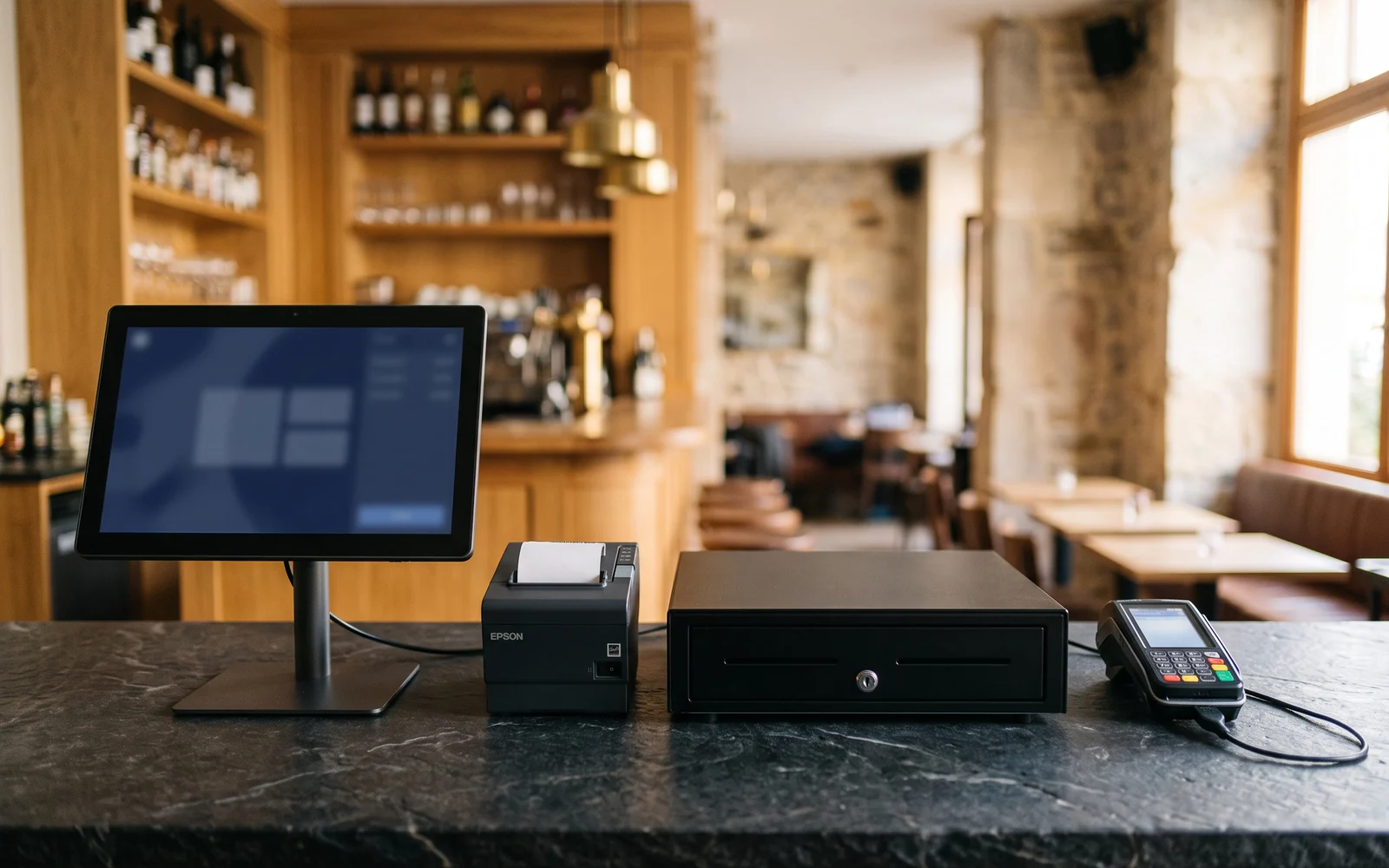
Whatever the business, a checkout station generally rests on four building blocks. They form the starting point for most installations.
The screen or the touchscreen till
This is the work station: the surface on which a sale is put together, a discount applied, payment taken, and the receipt printed. It can take the form of a fixed touchscreen unit placed on the counter or a tablet, depending on how the business is organized. What matters is not the spec sheet, but the use: space available on the counter, who handles it, legibility while standing, resistance to the environment (humidity, flour, grease).
The receipt printer
It produces the receipt given to the customer and, in some cases, internal printouts. Its position matters as much as the model: as close as possible to the hand that hands over the ticket, to avoid back-and-forth behind the counter.
The cash drawer
It remains necessary as soon as cash is handled. Its opening is generally controlled from the till. Here again, ergonomics come first: height, opening direction, accessibility for the person taking payment.
The payment terminal
It is used to take card payments. It can be counter-mounted or mobile, depending on whether the customer comes to pay at a fixed point or whether staff go to them. How the terminal communicates with the till software is a subject in its own right, to be checked according to the solution chosen and your banking provider.
This baseline is a starting point for discussion, not a rule. Some very specific businesses don't use one of these elements. What matters is justifying each presence and each absence with a real use.
Equipment that depends on your business
Beyond the base setup, each additional piece of equipment answers a specific need. It becomes useful when the action it removes genuinely exists in your business.
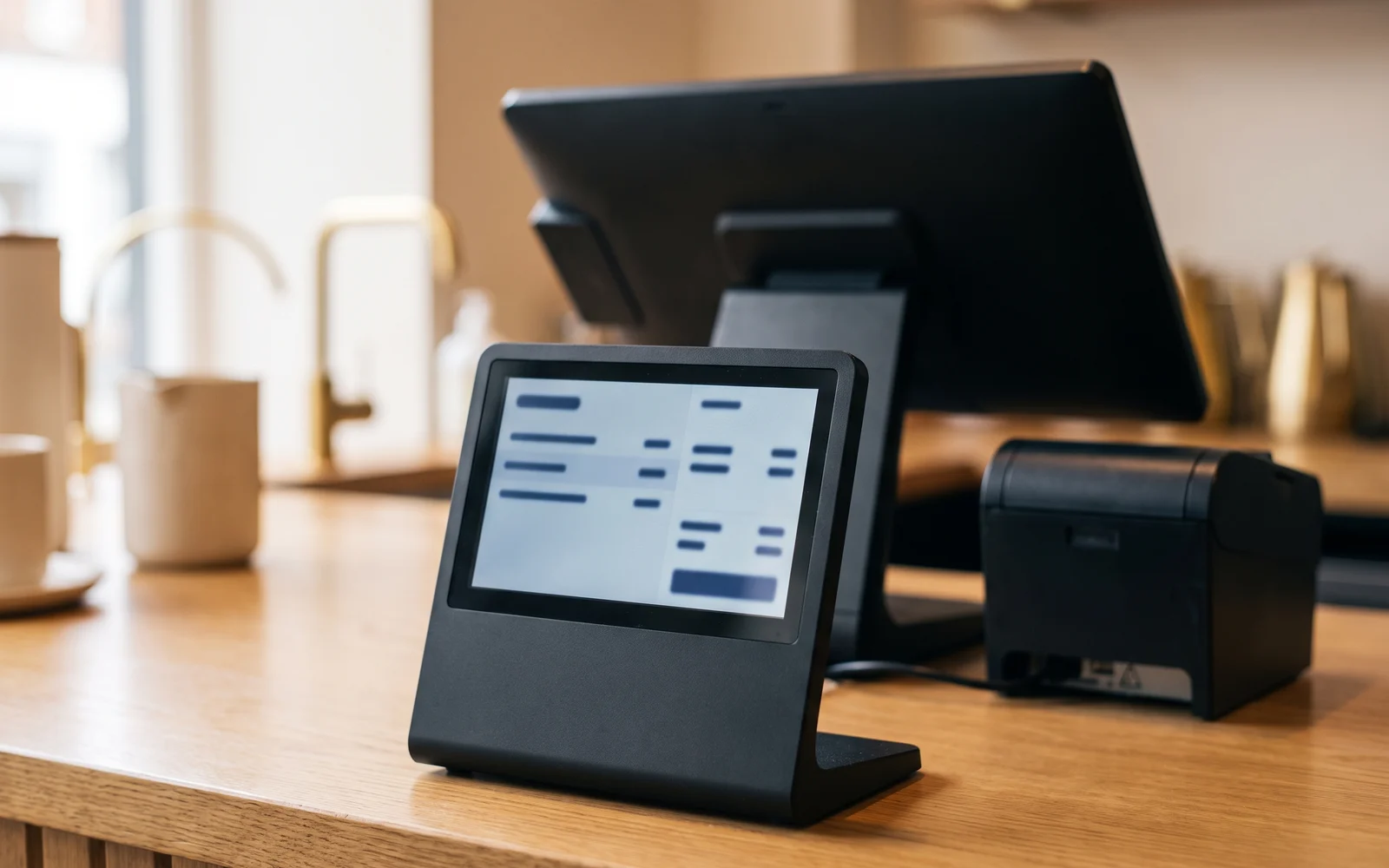
- The customer display it shows the customer the detail of what is being entered and the amount to pay. It makes sense wherever transparency during entry matters, particularly when several items are rung up in quick succession.
- The barcode scanner it is only worthwhile if your products carry a code and your product records are filled in. Device categories differ markedly depending on use: counter, shop floor, or inventory.
- The scale essential for selling by weight, unnecessary elsewhere. Depending on the case, weighing is done separately or linked to the sale.
- The kitchen preparation screen it replaces or supplements the paper tickets sent to the kitchen. It is aimed at establishments with a genuine preparation chain.
- The mobile terminal it allows you to take the order or check out while moving around, in the dining room, on the terrace, or on the shop floor.
- The ordering kiosk it shifts part of the ordering process to the customer. It requires a menu that is simple to navigate and a flow designed to be used without assistance.
Three situations to help you find your footing
Neighborhood bakery
Many small, quick sales, often by weight or by unit. The base setup is enough in many cases, supplemented by a scale and sometimes a customer display. A barcode scanner adds nothing if the products are not labeled.
Clothing store
Items with reference codes, in sizes and colors. The barcode reader becomes central, as it avoids manual entry and makes reference tracking more reliable. The question of labels and product records comes before that of equipment.
Restaurant with table service
The order is taken at the table and then sent to preparation. Here, the mobile terminal and the kitchen screen meet precise needs. Without table service, this equipment loses its purpose.
How to sort it out: three questions to ask
What action does this equipment eliminate?
If you can't concretely describe the action that would be avoided or made more reliable, the equipment probably isn't a priority. A customer display or a kiosk should respond to an observed pain point, not a desire for equipment.
Who will use it, and where?
A station used by a single person is not designed in the same way as a counter shared by a rotating team. Available space, footfall, and the number of people behind the till influence the choice just as much as the function.
What could change in two years?
A second till, an expanded product range, an additional service: it is better to know whether the setup will be able to keep up, rather than having to redefine everything later.
The most common mistakes
The first is choosing the equipment before the need. You start with the list of equipment, then try to make use of it. The reverse approach produces setups that are simpler and easier to get to grips with.
The second is to overlook the physical environment. A narrow counter, a distant power outlet, a damp worktop, or a station exposed to sunlight change the answer. These constraints must be measured on site.
The third is neglecting the data. A barcode scanner without properly filled-in product records, a kitchen screen without a clear organization of preparation stations: in both cases, the equipment works but delivers nothing. Configuration is part of the project.
The last one is to reason station by station without thinking about the whole. A till fits into a chain: order taking, checkout, payment, sales tracking. The links must hold together.
From list to project
Good preparation comes down to a few things: describing your sales flow, noting the actions that are currently problematic, measuring the available space, and listing what you sell and how. With these elements in hand, the conversation about equipment becomes much quicker.
You can then browse the equipment catalog to match equipment to each need identified. OG Solutions analyzes the need expressed, then selects and configures the suitable solution from among the technologies it integrates, based on your business and your counter constraints.
Key takeaway
- Most setups rely on a common core: touchscreen till, receipt printer, cash drawer and payment terminal.
- Additional equipment (customer display, scanner, scale, kitchen screen, mobile terminal, kiosk) is only justified if your business actually performs the corresponding action.
- Equipment brings nothing without the setup that goes with it: product records filled in, workstations organised, a clear sales flow.
- The physical environment of the counter (space, foot traffic, humidity, number of users) weighs as much as function in the final choice.
- It is better to define the need first and the equipment list second, keeping in mind what might change over the coming years.