Barcode scanner: fixed, handheld scanner, or inventory terminal?
Fixed scanner, handheld scanner, inventory terminal: these three devices read barcodes, but they don't serve the same purpose. This guide explains what sets them apart and what the choice really rests on, starting with the quality of your product records.
In this guide
As soon as a business sells items with reference codes, the question of scanning comes up quickly. It is often asked in terms that are too general: "I need a scanner." Yet behind that word lie fairly different pieces of equipment, designed for distinct situations.
The confusion is understandable. All these devices seem to do the same thing: they read a code and transmit information. The difference lies in where you work, in what you do just before and just after the scan, and in whether or not you have a screen at hand.
This guide presents the three main families, the uses they address, and the questions to ask to pinpoint your need. It also recalls a prerequisite that is often forgotten: without correctly filled-in product records, no scanner is of much use.
What a scan actually does
Scanning a barcode means replacing a search with direct identification. Instead of looking for an item in a list or entering a reference, you point at the code and the software retrieves the matching record. The action is the same, but its effect depends on the context in which it's performed.
At checkout, the goal is to ring up the sale without leaving the counter or diverting the customer's attention. On the shop floor or in the stockroom, the goal is different: it involves working standing up, on the move, often far from the till, while consulting or entering information.
It is this difference in context that shapes the device market. Equipment designed to stay put on the counter will not be useful in the stockroom, and a terminal designed for inventory is of no interest for a simple checkout transaction. Understanding this avoids paying for unnecessary functions or, conversely, ending up with a device that does not keep up with the actual work.
Three equipment categories
The fixed scanner placed at the counter
It stays in place, generally on its stand, and reads the items presented to it. Hands remain free to handle products, which suits a fast sequence of small items well. It is the typical equipment for a checkout where the customer comes to the counter with their purchases.
Its limitation is obvious: it doesn't move. A bulky, heavy, or awkward item to present forces contortions. Some businesses actually pair a fixed reader with a second device for these particular cases.
The handheld scanner, wired or wireless
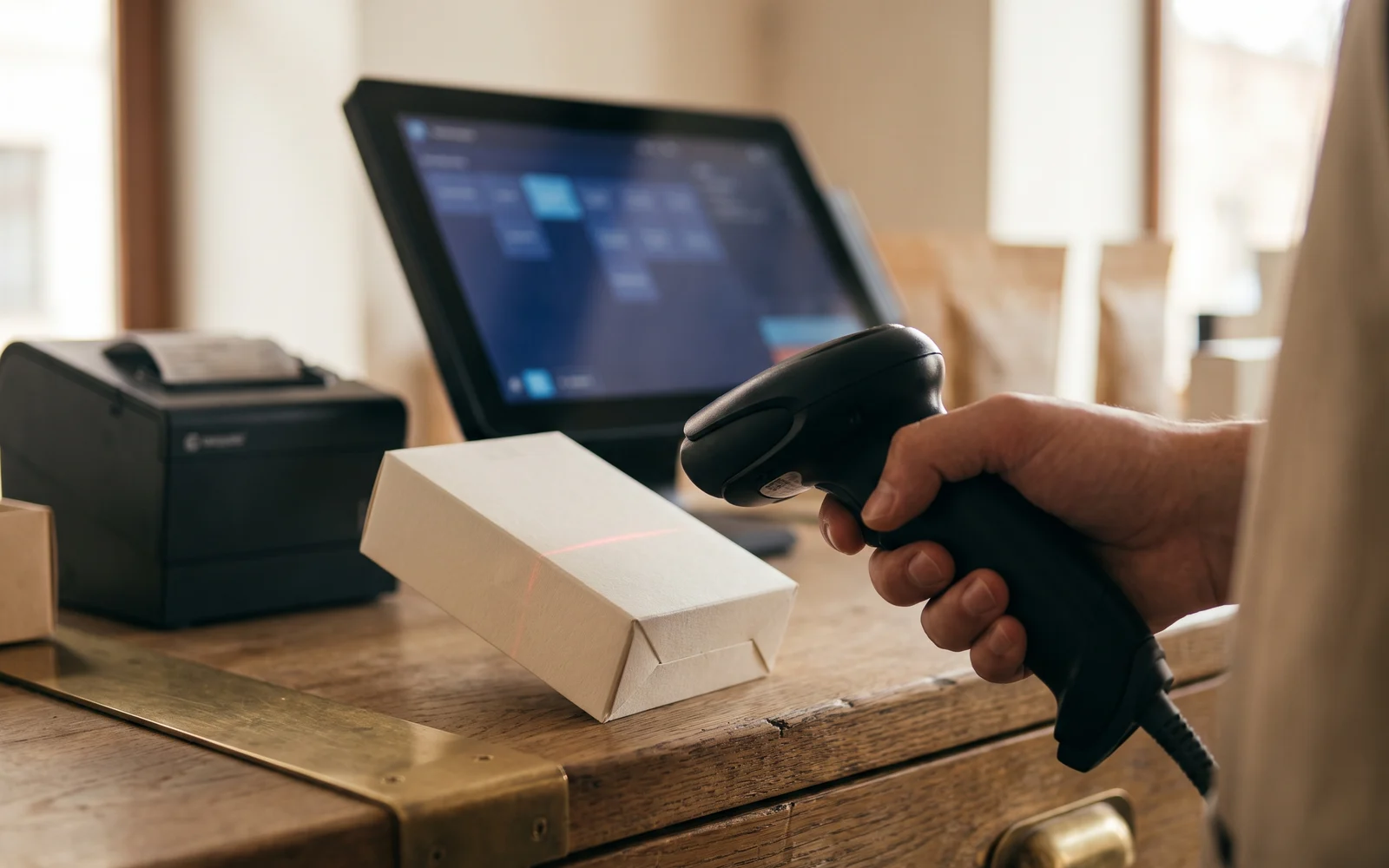
The handheld scanner is held in the hand and pointed at the code. It covers standard checkout and also handles items that can't easily be lifted. In its wired version, it stays connected to the till. In its wireless version, it allows short movements around the counter or into the nearby aisle, which makes it useful for occasional checks or for scanning products left in place.
It is the most versatile of the three devices for sales, but it displays nothing on its own: the information appears on the till screen. As soon as you want to look something up or enter data while genuinely moving away, the handheld scanner shows its limits.
The inventory terminal or PDA
It combines a scanner, a screen and data entry. You carry it with you, scan, see on the screen which item it is, and enter information: a counted quantity, an order receipt, a check. It's a working tool for the sales floor and the stockroom, not a till accessory.
It meets a management need rather than a checkout need: stocktaking, receiving goods, checking inventory, preparing orders. Its usefulness depends directly on how you track your inventory.
| Criterion | Fixed scanner | Handheld scanner | Inventory terminal |
|---|---|---|---|
| Main use | Checkout at the counter | Checkout and short trips | Shelf work, receiving, inventory |
| Integrated screen | No | No | Yes |
| Entry possible on the device | No | No | Yes |
| Hands-free | Yes, the item is presented to the scanner | No, the device is held in the hand | No, the device is held in the hand |
| Mobility | None, the device stays at the station | Limited to the area around the terminal in the wireless version | Designed to move around the point of sale |
What really determines the choice
Most often, three questions are enough to decide. They concern the work, not the device.
What is scanned?
Small items displayed at the counter, bulky products that stay on the shelf, boxes on delivery? The nature of what carries the code already points toward one family. You don't hold a piece of furniture up to a fixed reader.
Where does the scan take place?
At the till, around the counter, on the shop floor, in the stockroom, or when deliveries arrive? The further the scanning point is from the till, the more self-sufficient in use the device must be, and the more it needs a screen.
Who scans, and for what purpose?
A person handling checkout does not have the same needs as a person counting stock. Checkout requires fluidity at the counter; stocktaking requires seeing and entering data on the spot. The same business may need both.
It is common to combine the two families: a scanner at the counter for sales and a terminal for stocktaking meet two distinct moments in the life of the store. Conversely, a business that takes stock only rarely and on few SKUs doesn't necessarily need a dedicated terminal.
The prerequisite: properly filled-in product records
A barcode is only an identifier. It contains neither the price, nor the description, nor the stock level. All that information lives in the till software, in the product record linked to that code. If the record doesn't exist, scanning produces nothing. If it is incomplete or poorly filled in, scanning produces incorrect information, which is even more of a problem.
Before choosing a device, it is therefore useful to take stock of your product database: do all products carry a code, are these codes registered, are labels and prices up to date, how are items sold by weight or without a code handled? This work largely determines the benefit you will get from the equipment.
How a scanner and till software work together, as well as how information is reported back, need to be checked according to the solution chosen. This point is addressed during the project study, not at the time the device is purchased.
The most common mistakes
Choosing an inventory terminal to check out with. It is a management tool. Used at the counter in place of a suitable scanner, it complicates an action that should be simple.
Choosing wireless as a matter of principle. Freedom of movement only has value if the work requires it. At a station where you don't move around, a wired device does the job without any concern about charging or pairing.
Equipping before cleaning up the item database. The equipment arrives, the database isn't ready, the team goes back to manual entry, and the device ends up in a drawer. Configuration must come before installation.
Forgetting special cases. Products without a code, items sold by weight, unit sales taken from a batch: these situations exist in almost every business. They must be handled in the software, otherwise they break the rhythm at the counter.
Preparing your choice
To move forward, simply describe your day: what you scan, where, when and who handles it. Add the state of your item database and your stocktaking habits. These few lines are enough to rule out two families out of three, or to confirm that you will use several of them.
You can then browse the barcode reading equipment to match devices to each use. OG Solutions analyzes the need expressed, then selects and configures the suitable solution from among the technologies it integrates, taking into account your organization and your item database.
Key takeaway
- The fixed scanner suits checkout at the counter, leaving hands free to handle the items presented.
- The handheld scanner, wired or wireless, covers checkout and short movements, but doesn't display any information on its own.
- The inventory terminal adds a screen and data entry: it's a management tool for the shop floor, the stockroom, and receiving, not a till accessory.
- The choice is made based on three concrete questions: what is scanned, where the scan takes place, and by whom.
- Without complete, up-to-date product records in the till software, a scanner adds nothing—it may even spread incorrect information.