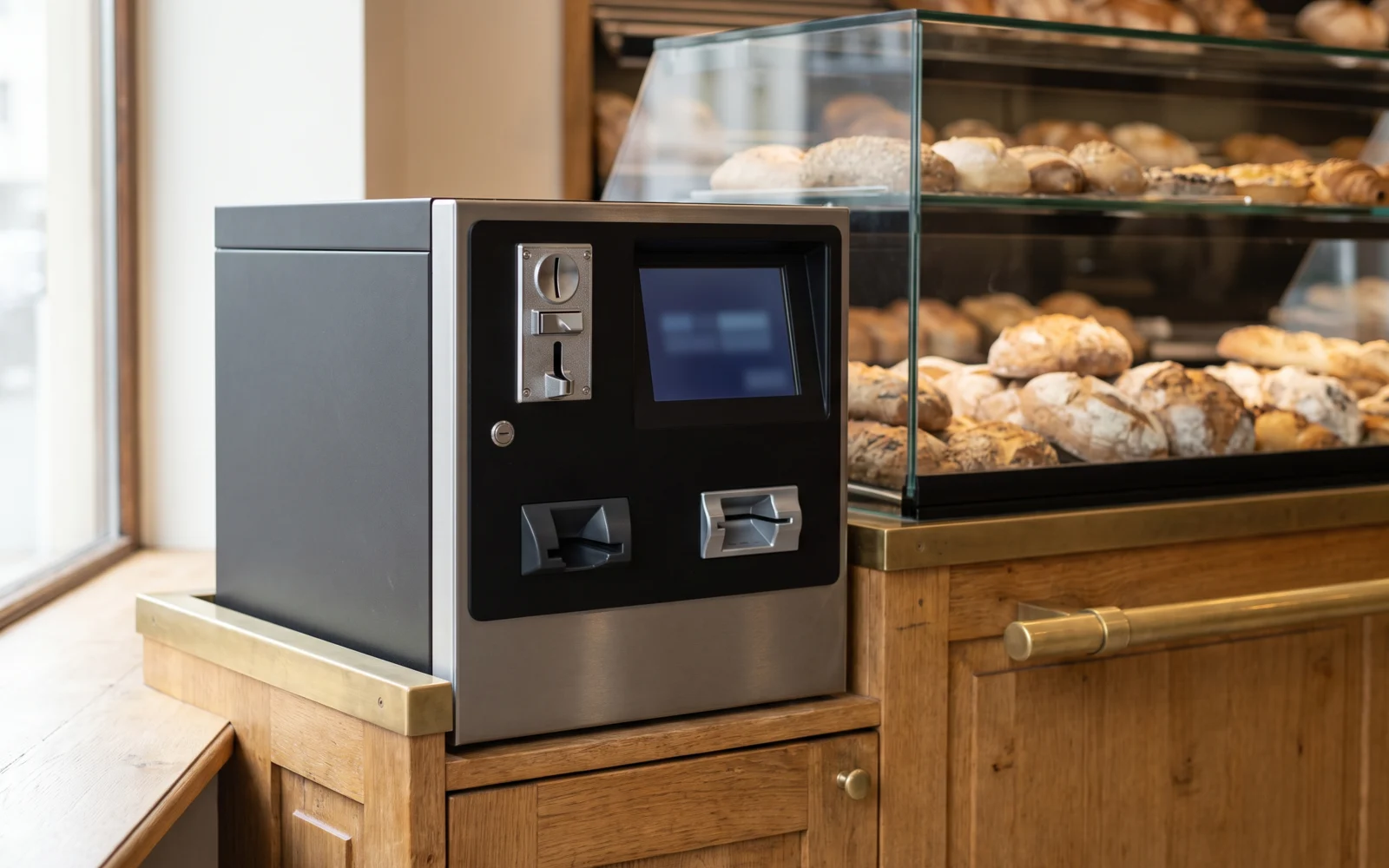
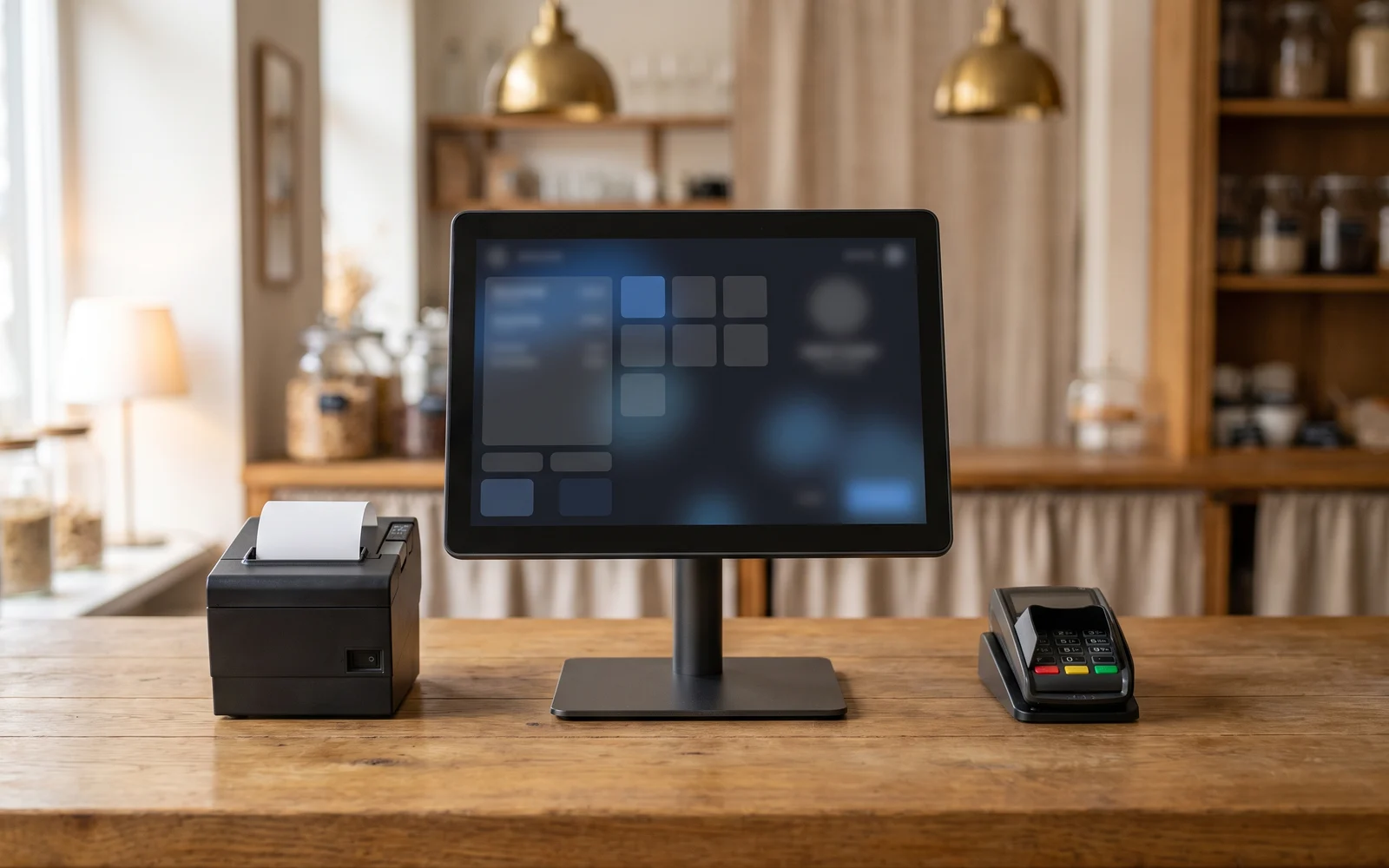
Payment terminal and till: why integrate payment into the checkout process?
A payment terminal can work alongside the till, or together with it. In the first case, the amount is retyped by hand; in the second, it is transmitted automatically. This guide explains what this difference actually changes at the counter: input errors, the pace of checkout, end-of-day reconciliation, and the handling of split payments.
In this guide
At the moment of payment, two pieces of equipment face each other: the till, which knows what the customer owes, and the payment terminal, which takes the card payment. These two devices can operate side by side without communicating, or be linked to one another.
The difference seems technical. It is actually very concrete for the person working the counter. It comes down to a single action: does the amount need to be retyped on the terminal, or does it appear on its own?
This guide describes what a payment terminal is in the checkout process, what distinguishes a standalone terminal from one linked to the till, and what each configuration involves on a day-to-day basis.
The payment terminal in the checkout process
A payment terminal is the device that allows the customer to pay by card. It reads the card, requests the necessary authorisation from the payment networks, then confirms or declines the transaction.
Two worlds that intersect at the counter need to be clearly distinguished. On one side, the till it records items, calculates the total, prints the receipt, and keeps a record of the sale. On the other hand, the terminal it handles the payment itself.
These are two different roles. The subject of this guide is solely how these two roles come together at the moment of checkout, in other words the journey experienced by the customer and by the team.
The contractual relationship that allows you to accept card payments falls under your bank or payment provider. The terms of this relationship are not part of the choice of till solution and must be addressed directly with them.
Standalone terminal or terminal connected to the till
The distinction can be summed up in one sentence: in one case, the amount travels through the operator's fingers; in the other, it travels through the link between the two devices.
With a standalone terminalthe till displays the total, then the person checking out enters it on the terminal's keypad. The two devices are unaware of each other's existence. The terminal keeps its own record of transactions, the till keeps its own.
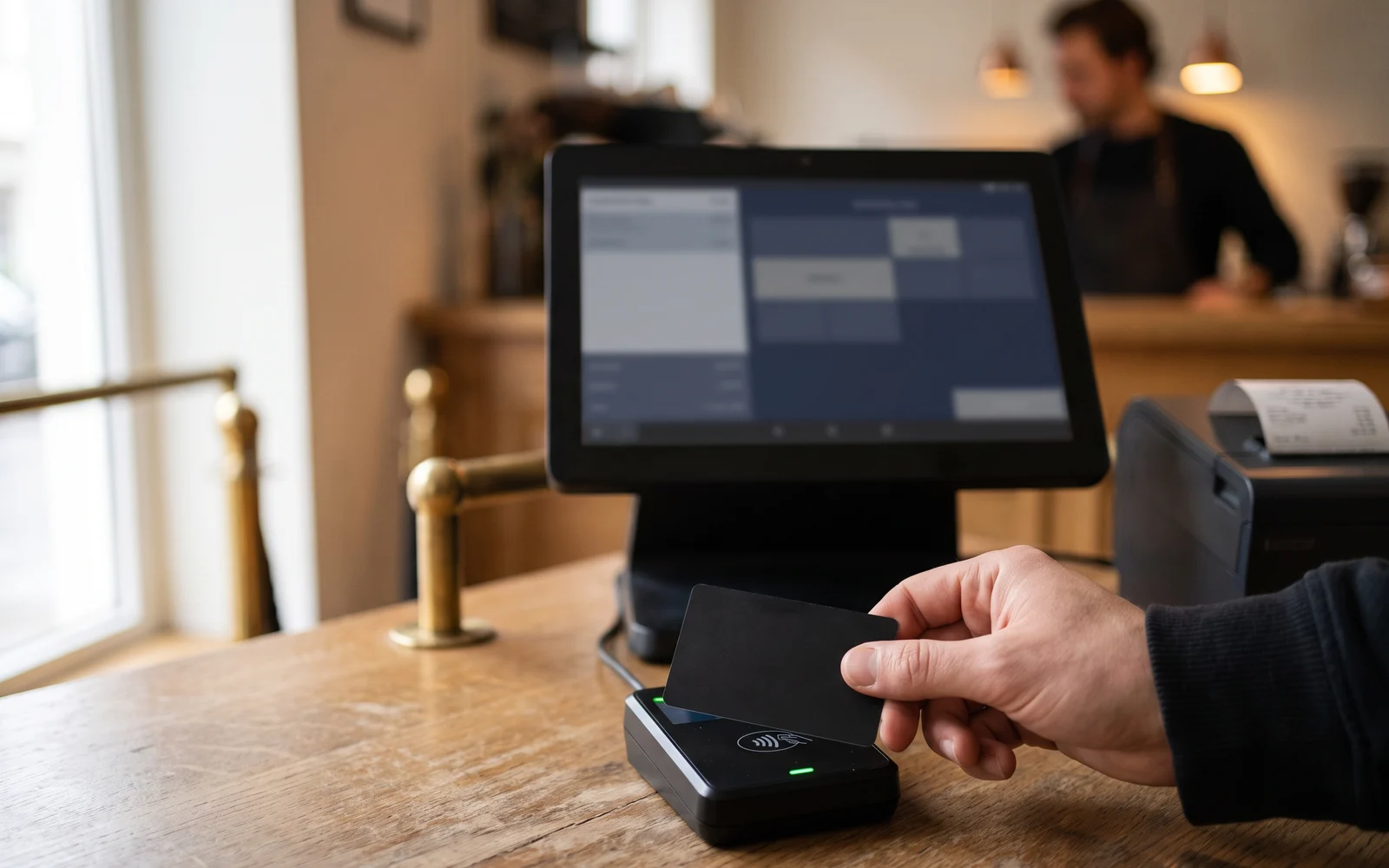
With a terminal connected to the tillthe amount is sent automatically to the terminal when the payment is confirmed. The customer inserts or presents their card, and the result of the transaction can be sent back to the till, which then knows whether the payment was successful.
| Criterion | Standalone terminal | Terminal connected to the till |
|---|---|---|
| Entering the amount | Retyped by hand by the operator. | Automatically transmitted from the till. |
| Risk of discrepancy | A typing error remains possible and often goes unnoticed. | The amount paid matches that of the recorded receipt. |
| Action at the counter | Two successive operations on two devices. | One confirmation, then control passes to the customer. |
| End-of-day check | Manual reconciliation between the two sources. | Reconciliation relies on information that is already consistent. |
| Flexibility | Works independently of the till's status. | Depends on the link between the two devices. |
Neither configuration is bad in itself. A standalone terminal remains a simple solution, particularly when card payments are occasional or when the setup does not lend itself to a link. The link becomes worthwhile as the volume of payments increases and the counter becomes busier.
What the link changes at the counter
Four concrete effects deserve a closer look.
The first concerns the input errorsRetyping an amount is a routine action, but a transposed digit or a misplaced decimal point produces a real discrepancy. The error is sometimes discovered that evening, sometimes later, and correcting it takes time. Eliminating re-entry eliminates this category of errors.
The second concerns the pace at the counterMoving from the till, to the terminal's keypad, and back to the till imposes a sequence of steps. When the link exists, the person checking out simply confirms and becomes available for the next item, the bag, or the next customer. The goal is not to promise a quantified time saving, but to reduce the number of steps.
The third concerns the end-of-day reconciliationComparing what the till has recorded in card payments with what the terminal has processed is a routine check. When the amounts come from the same source, any discrepancy becomes the exception and is found more quickly. When they are entered twice, a discrepancy can come from a simple typing error.
The fourth concerns the specific situations split payments, partial payments, a mix of payment methods. This is often where the difference shows up the most.
Split payments and partial settlements
A payment is not always made in one go. Several frequent cases complicate matters.
A bill split across several cards
Each share must be calculated, then charged separately. With manual re-entry, the operator juggles between the remaining total and the amounts already processed, with a risk of discrepancy at each step.
A payment split across several methods
Part in cash, the balance by card. The till knows the remaining amount due; it still needs to reach the terminal correctly.
A deposit or a balance payment
For an order prepared in advance, the amount paid does not match the total of the sale. The correspondence between the receipt and the payment must remain clear.
A cancellation or a correction
When a transaction needs to be redone, the record of what happened on the till side and the terminal side must stay consistent, or checking it becomes difficult.
In all these situations, the question is not just the operator's comfort, but the reliability of the recordThe more amounts pass through manual entry, the more opportunities for discrepancies multiply.
What to check, and the mistakes to avoid
First point: the ability to link a terminal to a till depends on the terminal model and the payment providerThis is never automatic, and it must be checked case by case, before any decision is made. A terminal already in place does not necessarily connect to the solution being considered, and the reverse is also true.
Second point: the question arises before the choice of installation, not afterward. Discovering partway through the project that the desired configuration is not possible forces a complete rethink.
Third point: the terms for accepting card payments are a matter for your bank or your payment provider. These are two separate discussions, to be conducted in parallel: one concerns the checkout process, the other your payment relationship.
Fourth point: think about degraded operationIf the link is unavailable, how do you take payment? The answer depends on the solution chosen and deserves to be asked in advance rather than discovered on a busy Saturday.
To prepare for this discussion, the page need: payment helps you formulate your expectations, and the payment terminal catalog gives an overview of the existing formats.
Next step
Gather three pieces of information: the share of card payments in your business, the specific situations you encounter, and the terminal you already have, if applicable. On this basis, OG Solutions analyzes the need, then selects and configures the appropriate solution from among the technologies it integrates.
Key takeaway
- A standalone terminal requires the amount to be retyped by hand, whereas a terminal connected to the till receives it automatically.
- Eliminating re-entry eliminates discrepancies due to typing errors and reduces the number of manipulations at the counter.
- End-of-day reconciliation is simpler when the amounts come from a single source.
- Split, partial or mixed payments are the situations where the difference between the two configurations shows up the most.
- The ability to connect a terminal depends on the model and the payment provider: it must be checked case by case, before choosing the installation.