AI assistantsNew Guides Contact
06 71 02 13 06
Guides & advice

Understanding your project before choosing your solution.

Checkout, equipment, payment, kitchen, inventory or multi-location: find practical guides to better understand the choices that shape your setup.

Explore the guides
15 guides published · updated as the project progresses

Suggestions:

Library

All guides

Browse all the resources, or filter by category and keyword.

Shopkeeper replacing their old till system with a modern touchscreen unit
GETTING STARTED

Switching tills: the 10 questions to ask before you start

Needs, users, existing equipment, data and installation: the points to clarify before a migration.

5 min readRead the guide
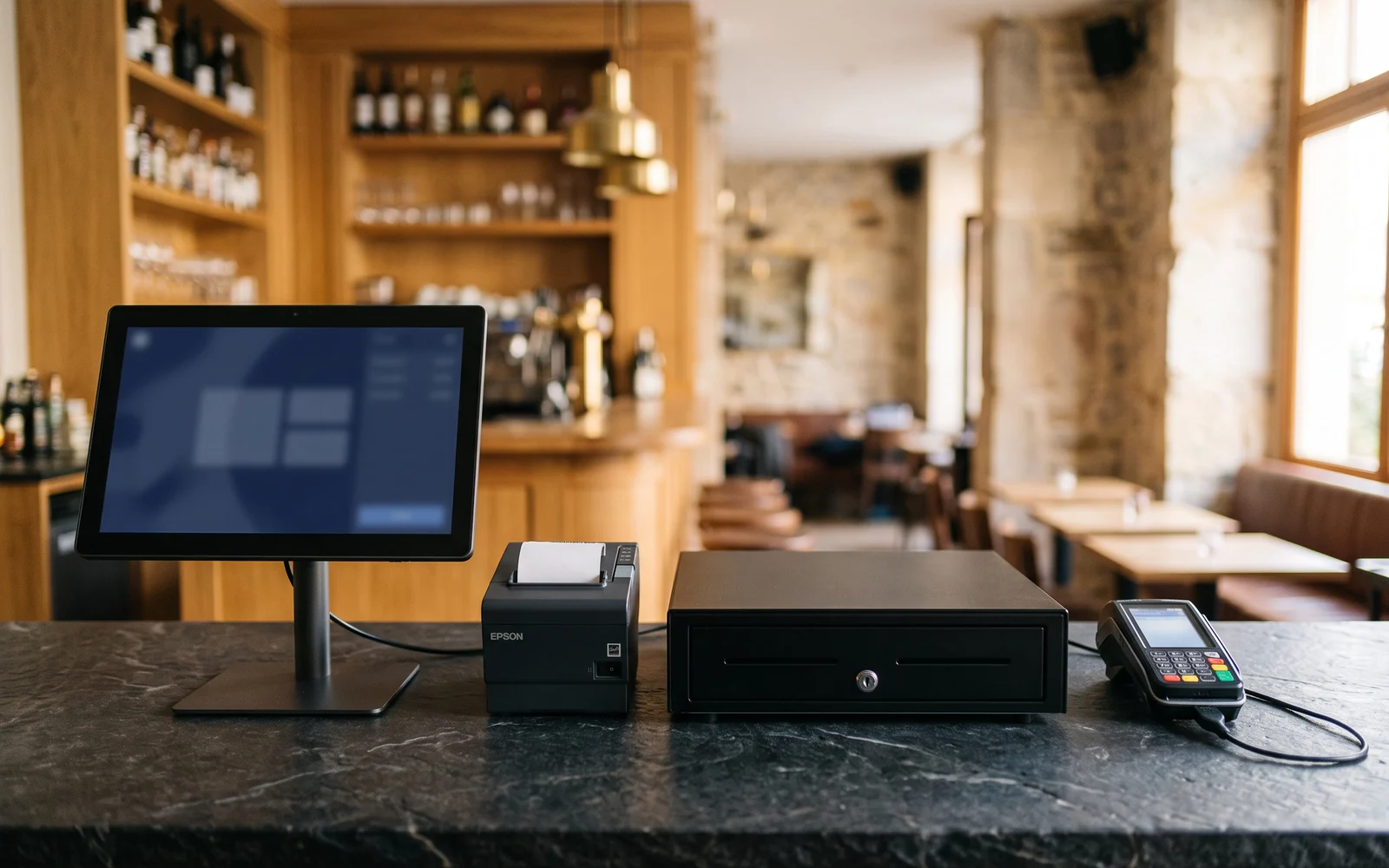
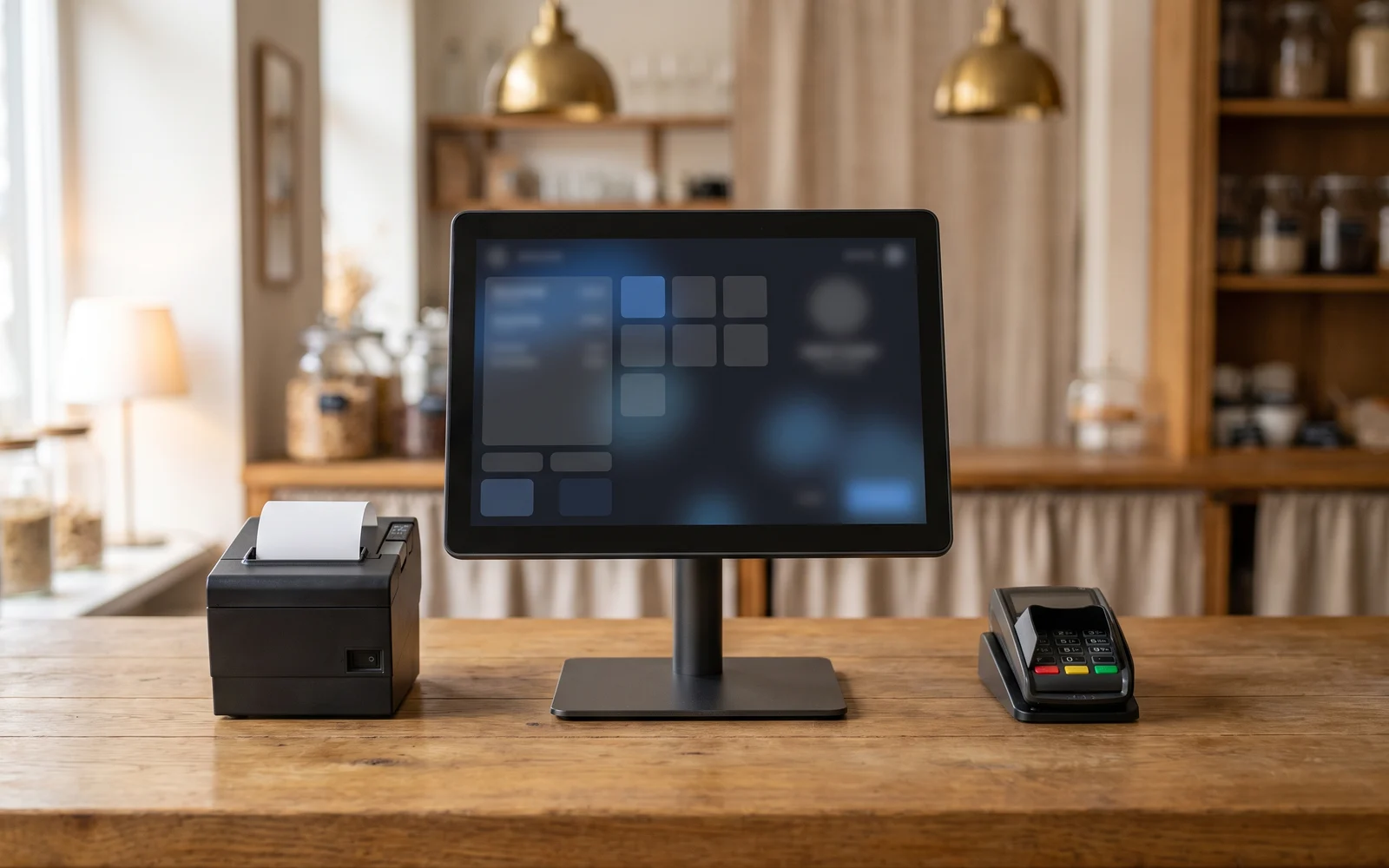
Full set of till station equipment placed on a counter: touchscreen, printer, drawer and payment terminal
EQUIPMENT

What equipment do you really need to set up a till?

Touchscreen till, printer, payment terminal, display and peripherals: distinguishing the core setup from equipment that is genuinely optional.
6 min readRead the guide
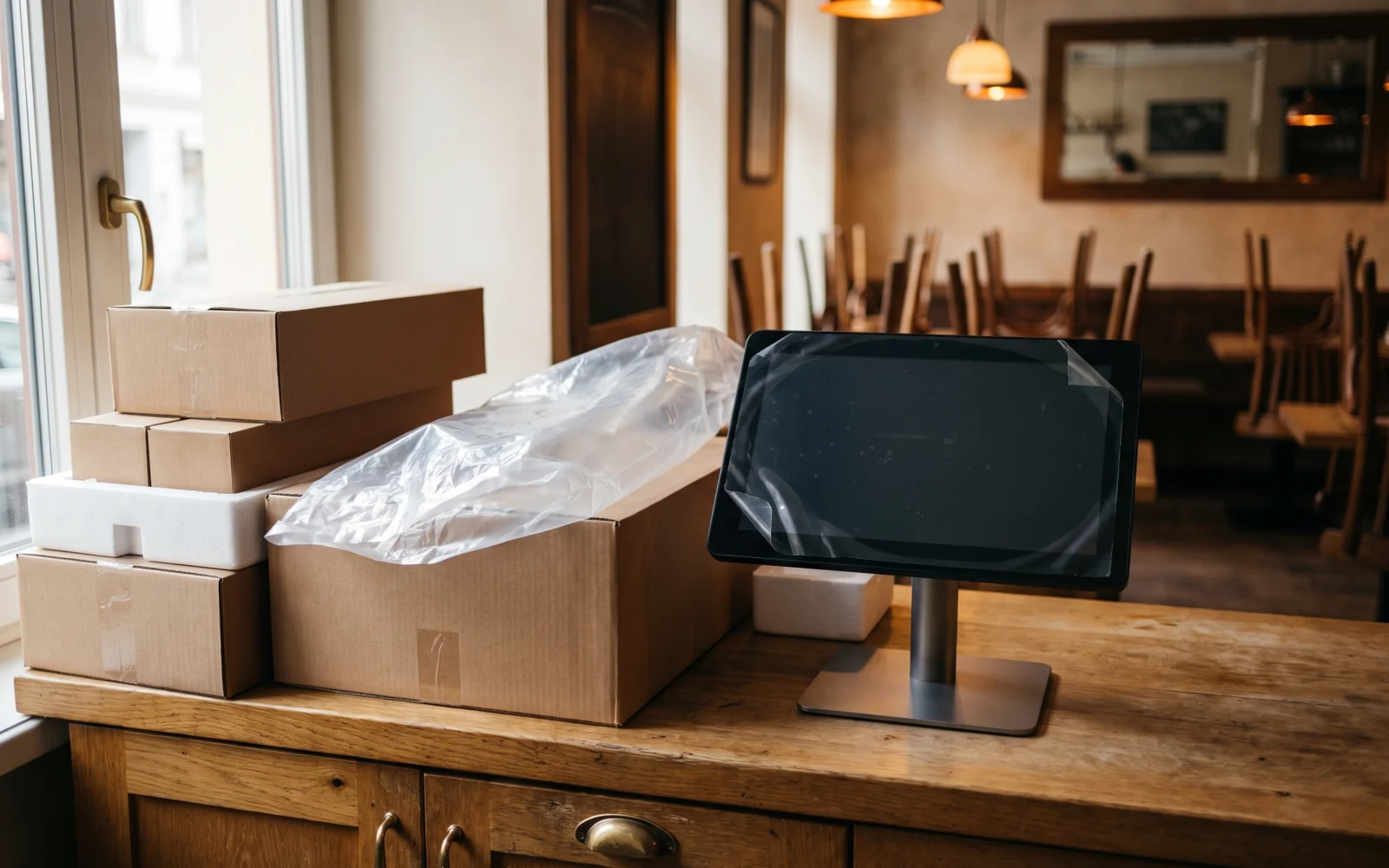
Till equipment still packaged, ready to be installed in a business
EQUIPMENT

Buying or renting your till equipment: how to choose?

Two possible approaches to equipping your business, with the criteria to consider before deciding.
6 min readRead the guide
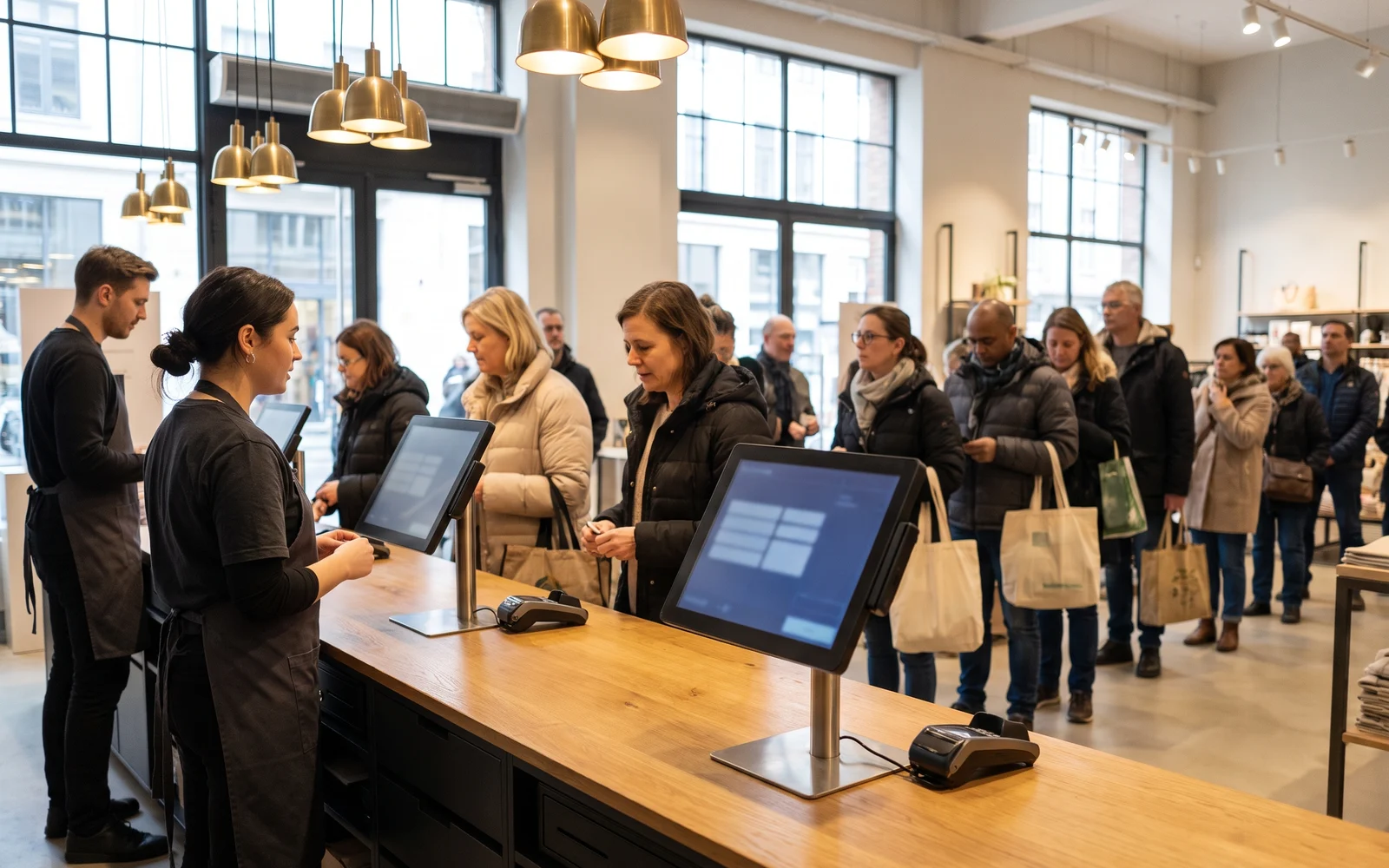
Several checkout stations lined up in a sales area during a busy period
CHECKOUT

One till station or several: how to size your installation?

Foot traffic, team organization, and sales areas: how to determine the number of stations needed.
6 min readRead the guide
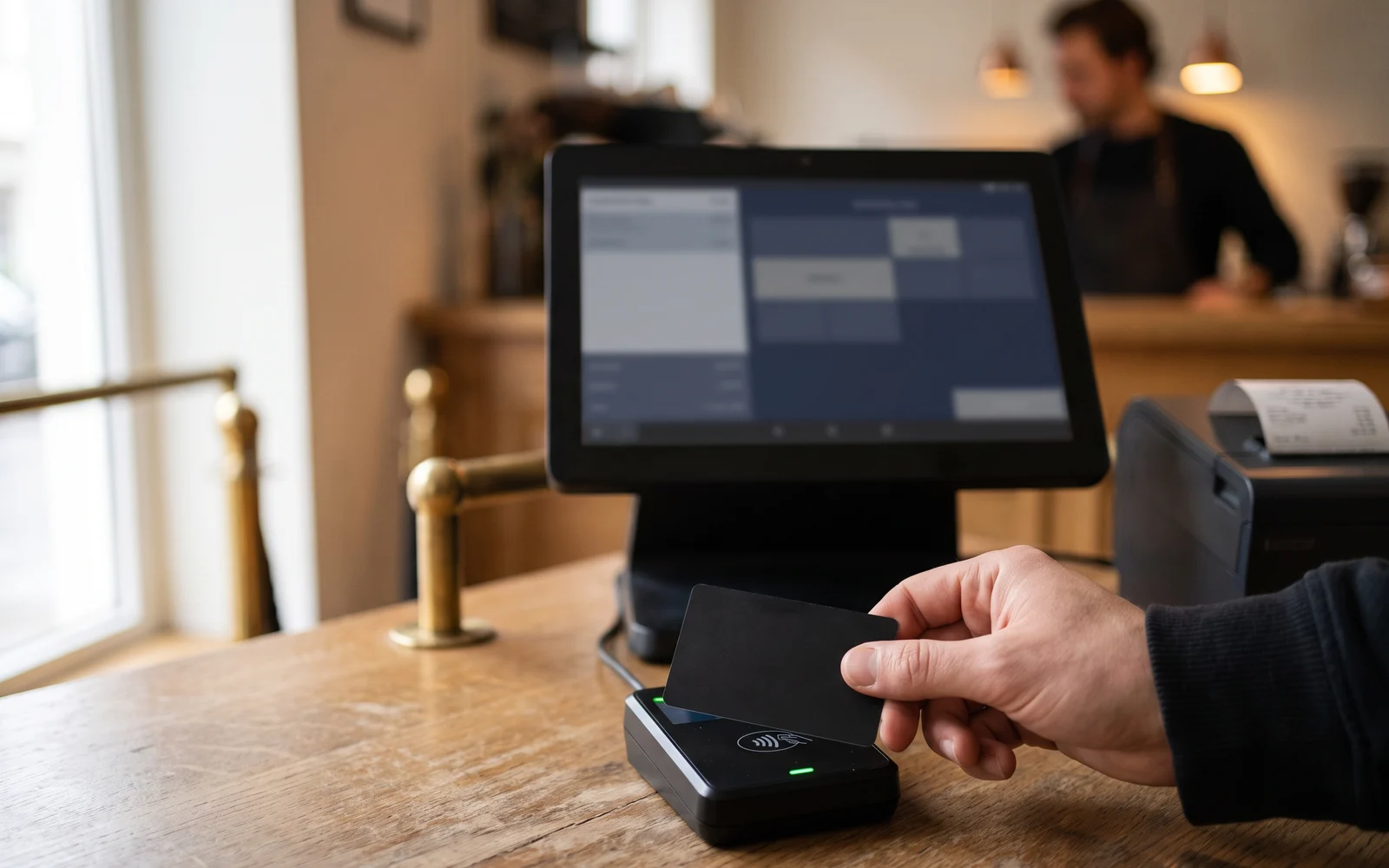
Customer paying for their order contactless on a payment terminal connected to the till
PAYMENT

Payment terminal and till: why integrate payment into the checkout process?

Understand the role of the payment terminal and the benefits of a consistent flow between the till and payment.
6 min readRead the guide
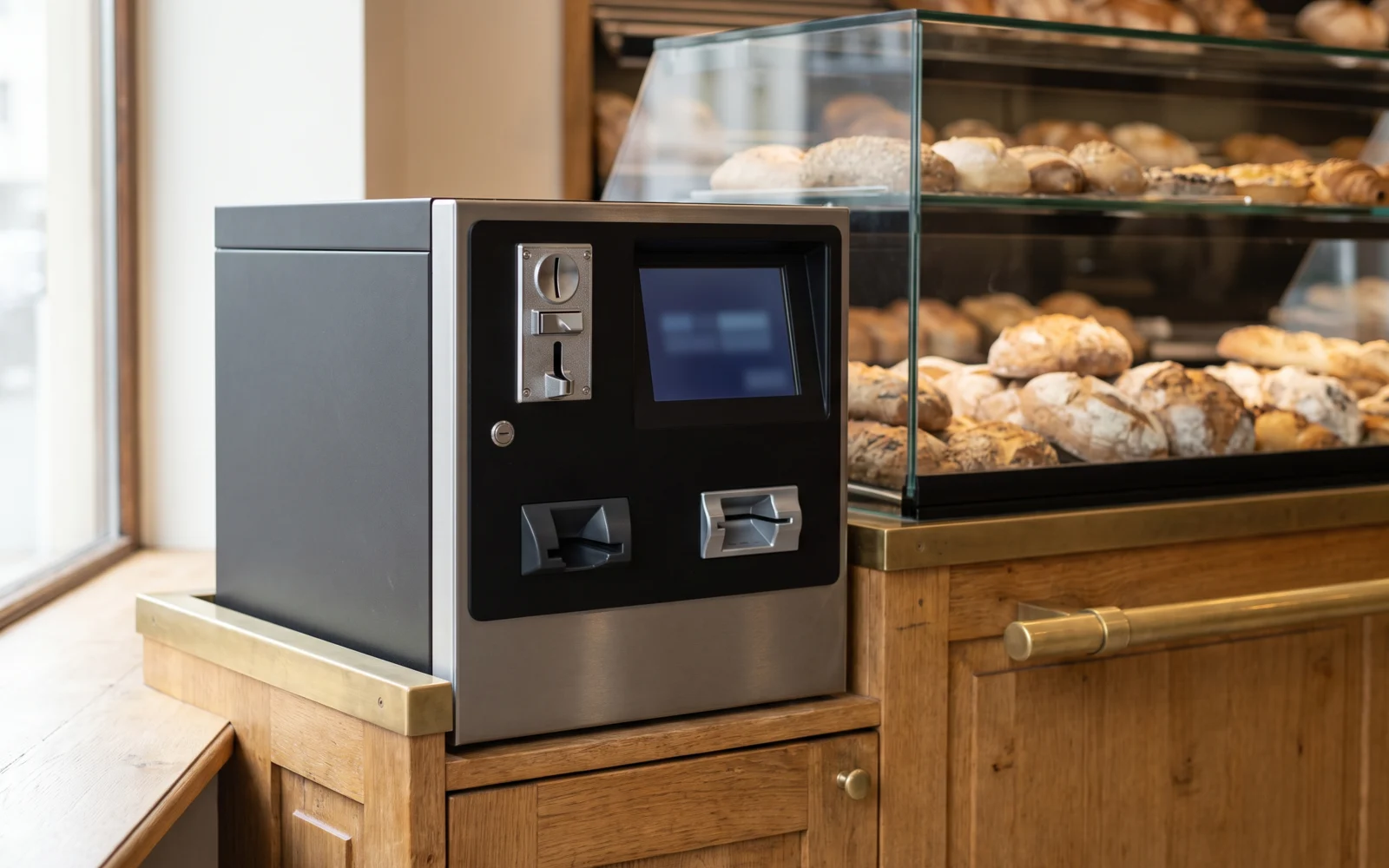
Automatic coin dispenser installed at the counter of a food business
PAYMENT

Automatic coin dispenser: which businesses really benefit from it?

Cash volume, counter layout, and business constraints: the situations where a coin dispenser can add value.
6 min readRead the guide
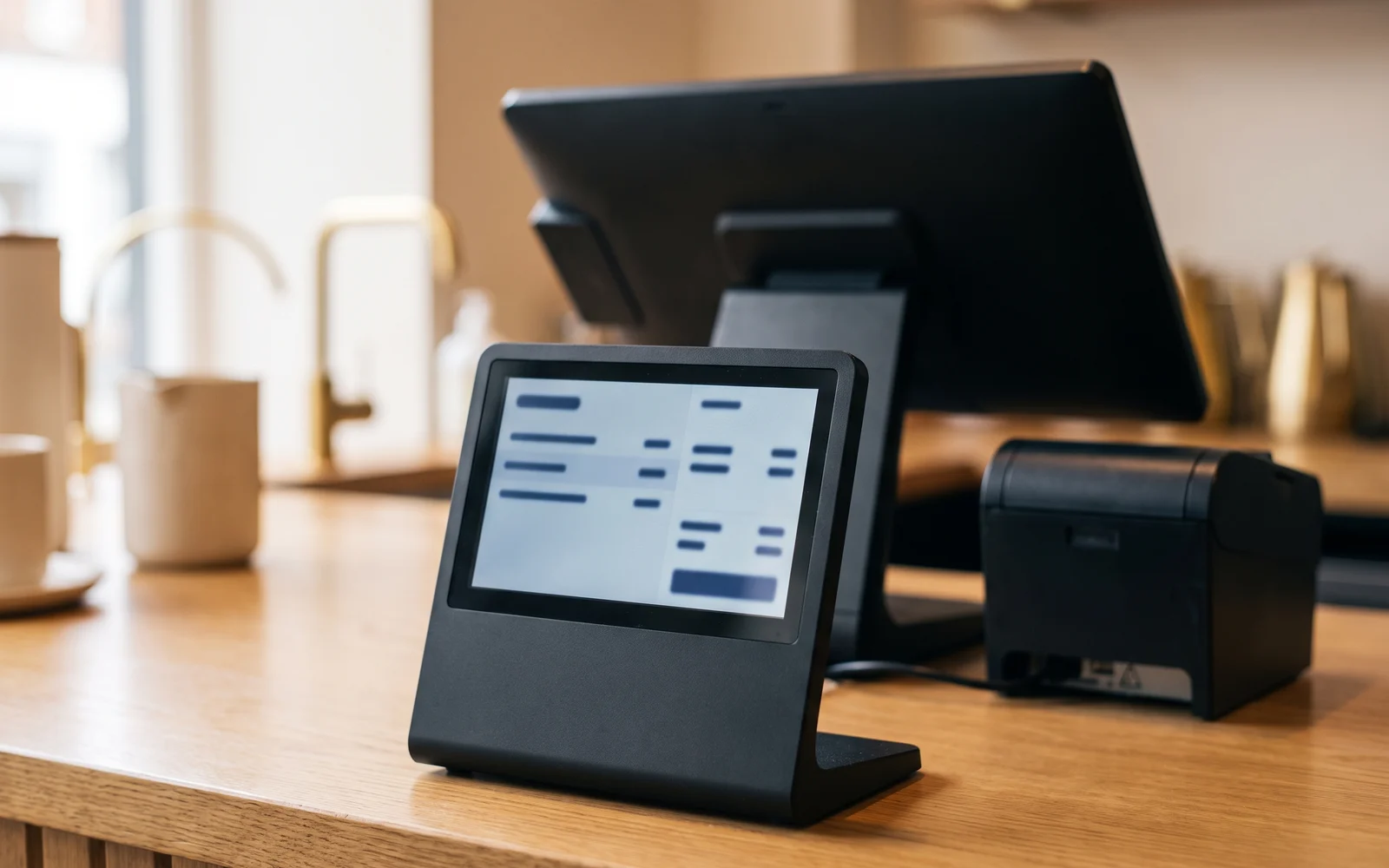
Customer display facing the buyer showing the details of the current order
EQUIPMENT

Customer display: what is the second till screen for?

Understand the role of the screen facing the customer and the situations in which it becomes useful.

5 min readRead the guide
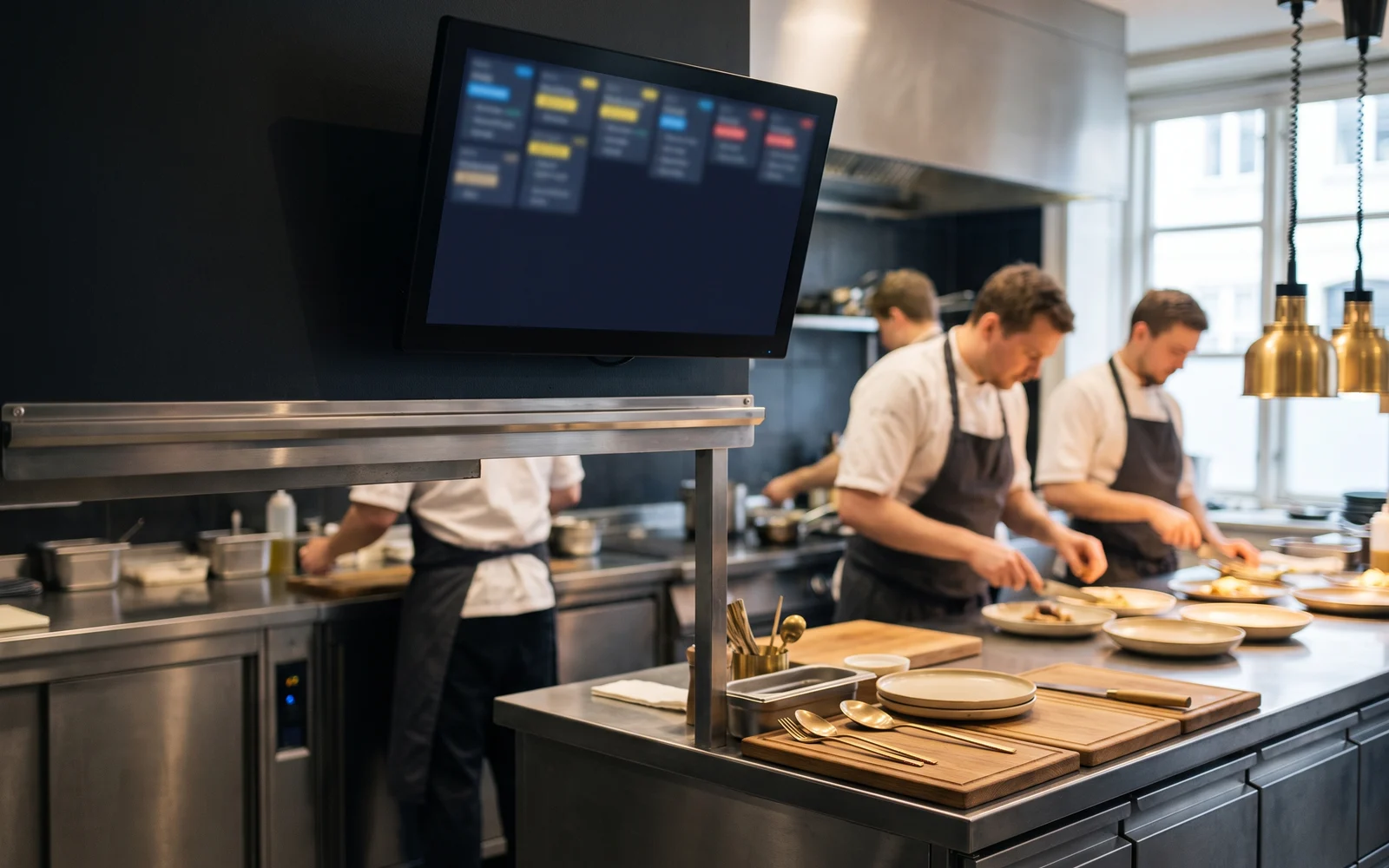
Restaurant kitchen equipped with a preparation screen displaying current orders
RESTAURANT & KITCHEN

KDS or kitchen printer: which setup should you choose?

Paper ticket or prep screen: the differences to understand based on volume and kitchen organization.

6 min readRead the guide
Server taking an order in the dining room on a mobile terminal
RESTAURANT & KITCHEN

Table ordering: mobile terminal, tablet, or fixed till?

Compare different ways of taking orders in the dining room or on the terrace depending on how service is organized.
6 min readRead the guide
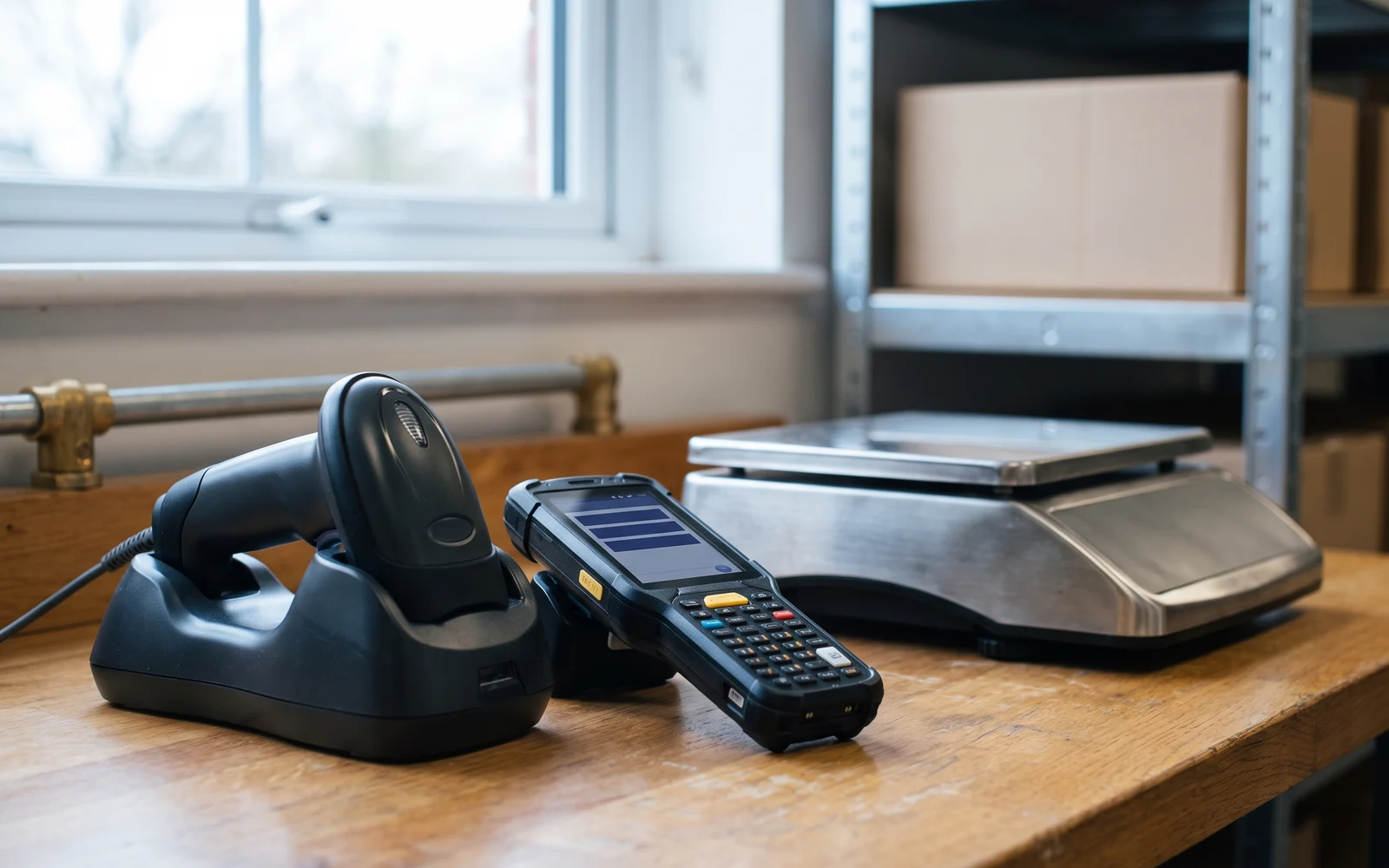
Equipment for managing stockroom products: handheld scanner, inventory terminal, and scale
INVENTORY & RETAIL

Scanner, PDA, scale: which equipment for managing products?

Understand the difference between a till scanner, a mobile handheld scanner, an inventory terminal and a scale.
6 min readRead the guide
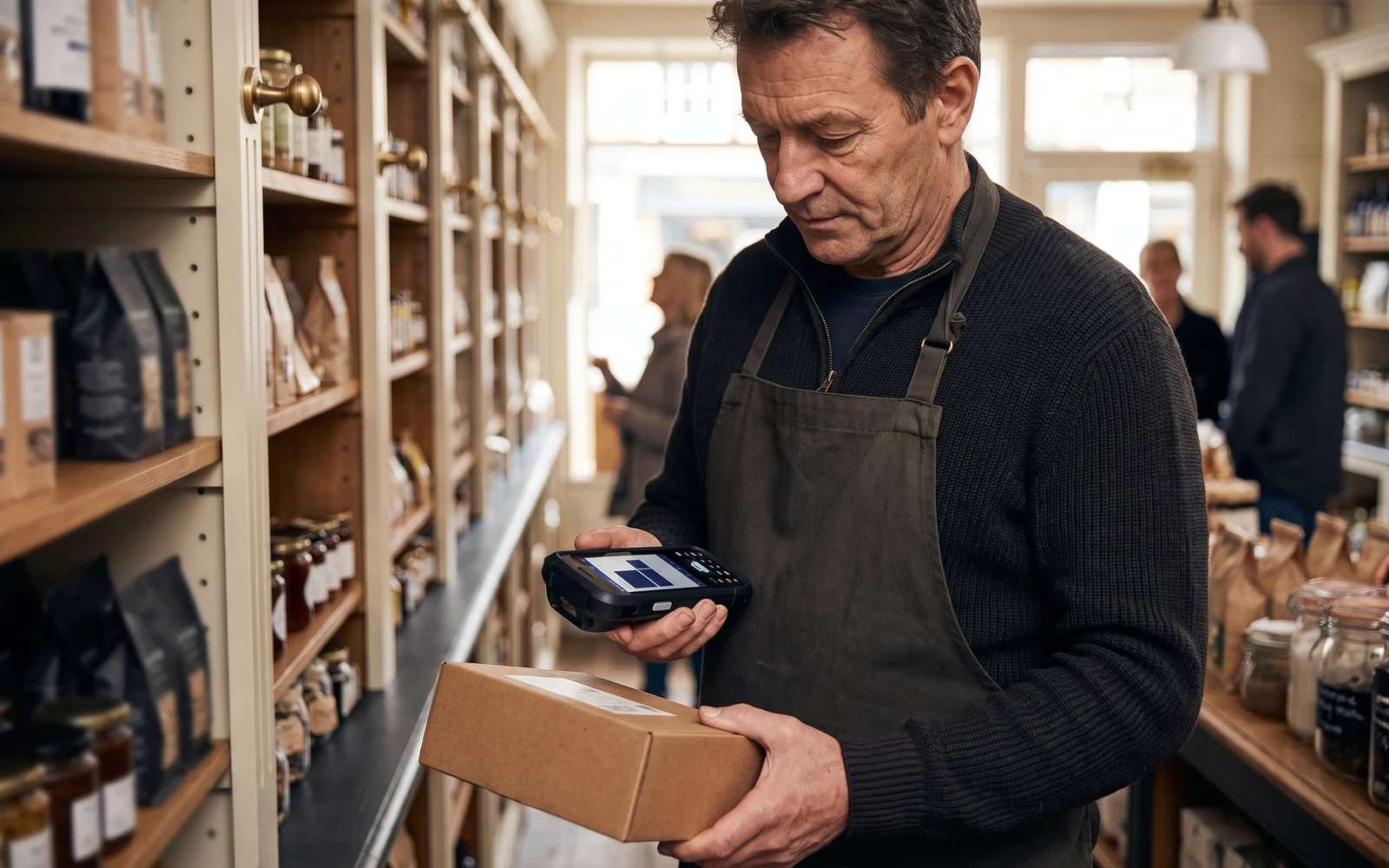
Shopkeeper checking stock on the shelves with a handheld terminal
INVENTORY & RETAIL

Inventory management: which functions are really useful in a business?

Inventory counts, stock movements, references and restocking: identifying the level of management you actually need.
5 min readRead the guide
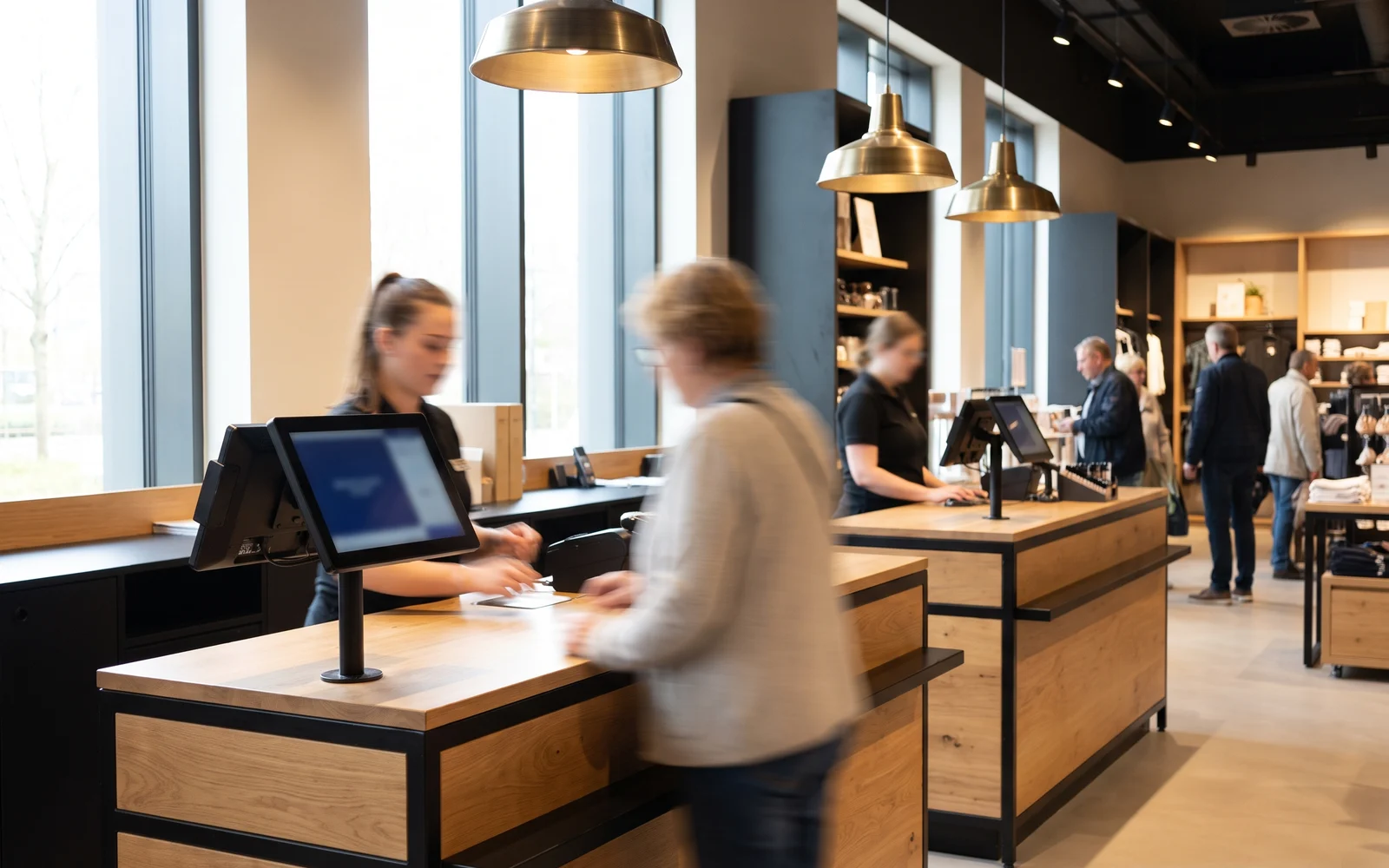
Several points of sale of the same brand managed from a single till system
MANAGEMENT

Multiple locations: how do you organize your till system?

The questions to ask when you need to equip and manage several points of sale.
5 min readRead the guide
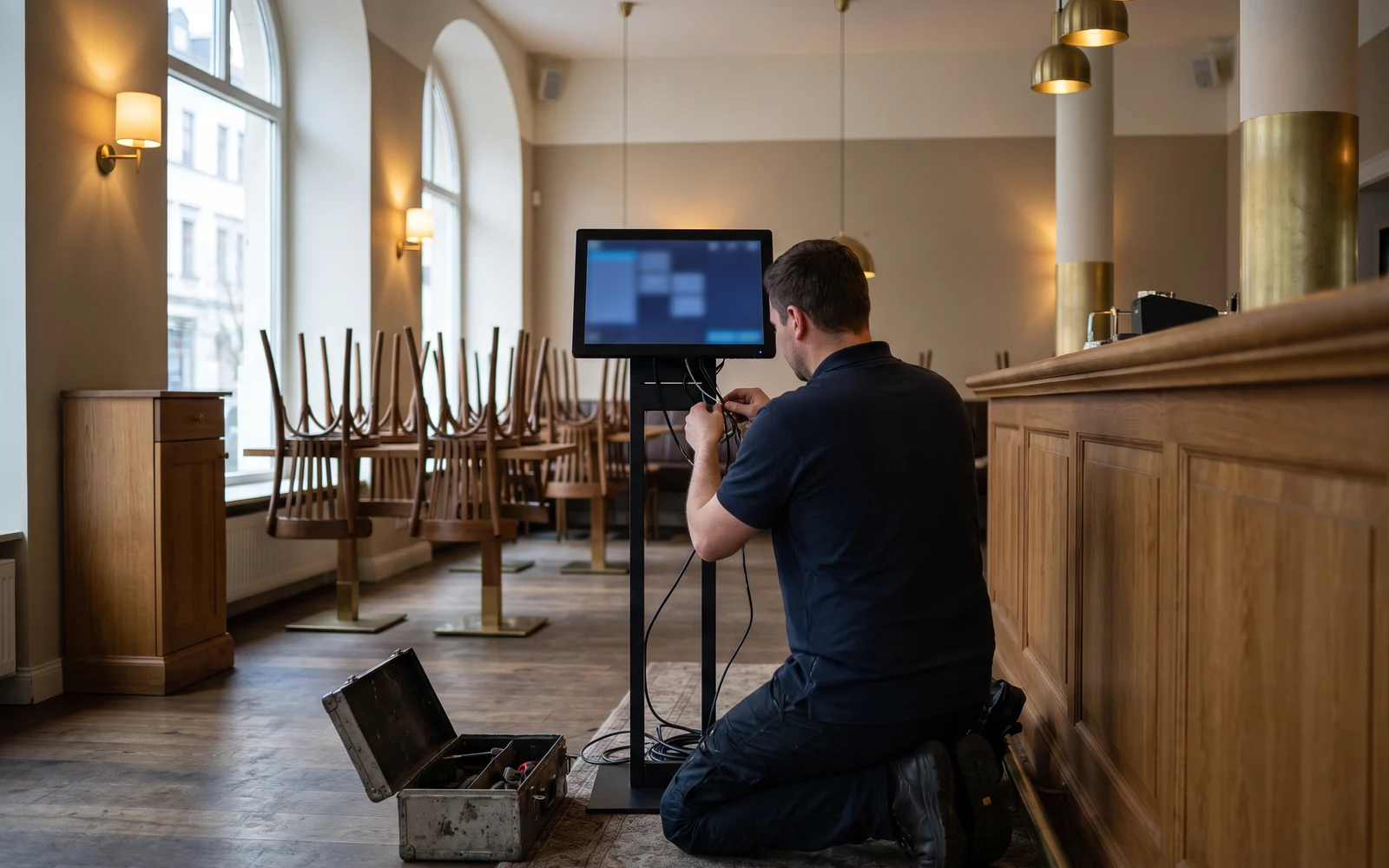
Technician installing and configuring a till station before the store opens
GETTING STARTED

How do you prepare the installation of a new till without disrupting your business?

Equipment, network, configuration, testing and training: preparing the go-live step by step.
5 min readRead the guide
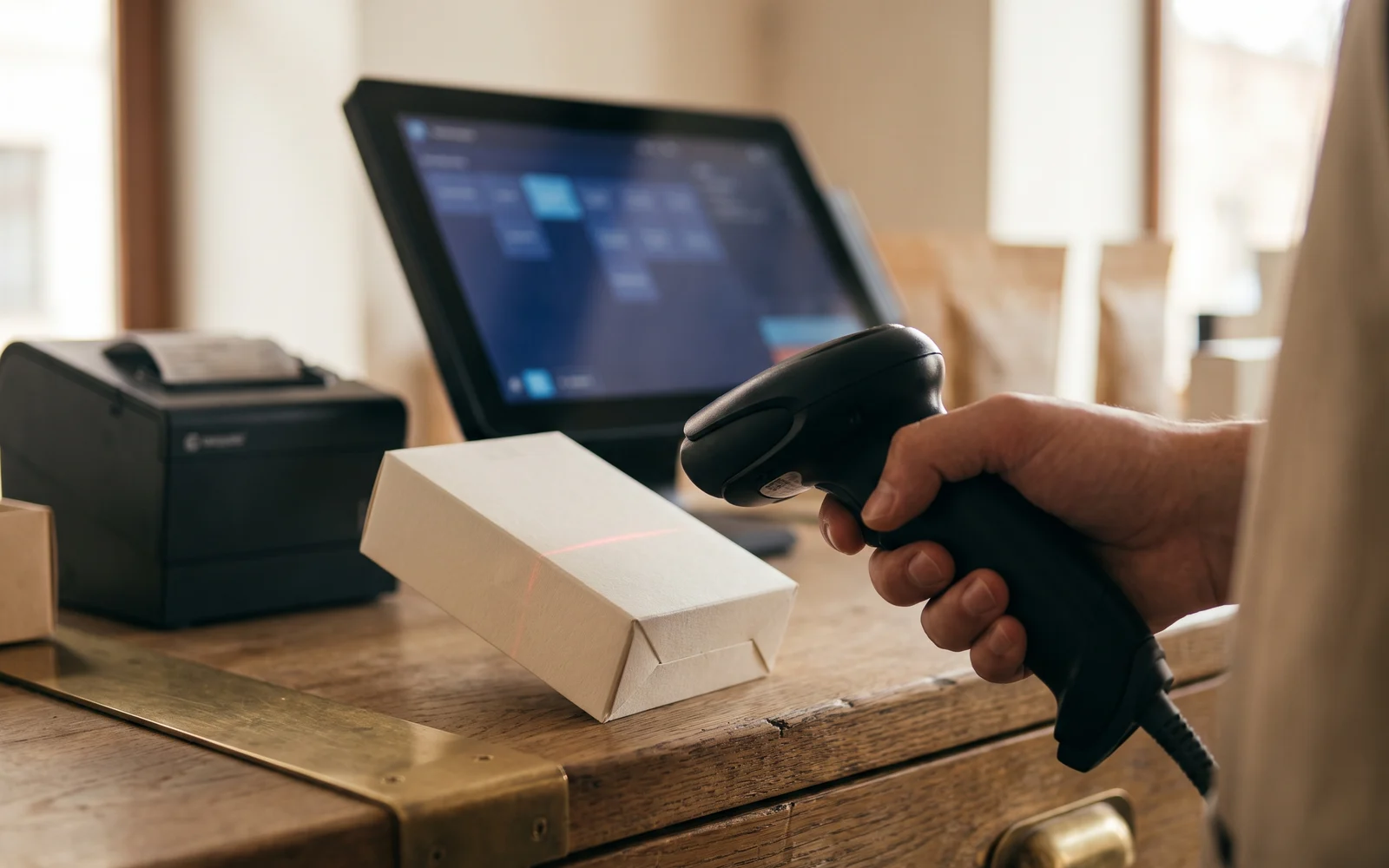
Barcode scanner used at the counter to register an item
EQUIPMENT

Barcode scanner: fixed, handheld scanner, or inventory terminal?

Three different uses that are often confused: checkout, mobility, and inventory.

6 min readRead the guide

No matching guides

Try another keyword, or .
Where to start?

Are you planning a new project?

Four steps to go from a general question to a configuration that matches your business.

01

Understand

Identify the main building blocks of a checkout project and how they fit together.

Building your solution
02

Size

Distinguish the equipment that is genuinely essential from the peripherals that depend on your business.

What equipment do you need?
03

Prepare

Plan ahead for the network, configuration, testing and training before going live.

Prepare the installation
04

Configure

Describe your business and your needs: we prepare a configuration tailored to you.

Need a quick answer?

Have you already identified your need?

Move straight from reading to your project.

Frequently asked questions

About these guides

Are these guides tied to a specific software brand?
No. They explain uses, equipment and ways of organizing your business. The choice of technology comes afterward, once the need has been clarified: it is OG Solutions' role to select and configure the right solution.
Are prices listed there?
No. A configuration depends on your business, your existing equipment and the solution chosen. Amounts are established by quote, after discussing your project.
Which guide should you start with?
If your project is just starting out, begin with “How to build a till solution suited to your business?”. If you already know what you’re looking for, use the search bar or the categories above.
Do these guides cover regulatory obligations?
They are not a substitute for an official source. Applicable obligations may change: check the rules that apply to your situation with the relevant authorities or your usual advisor.
Can I ask a question that isn't covered here?
Yes. You can describe your situation through the configurator or call us: the questions we receive directly shape our upcoming guides.
Your project

The guides help you understand.
We help you configure it.

Describe your business and your needs. OG Solutions prepares a configuration tailored to you.

Talk to an advisor
Esc